🌌 Luna's Math Quest
Geometry Galaxy
Shapes and symmetry, angles, perimeter, area, and volume.
Name the Shapes
How this station is declared (YAML)
id: gg-shapes
title: Name the Shapes
icon: 🔷
board: shapes
bands:
  - 0
  - 2
lesson: shapes
concept: shapes
Lesson: Name the Shapes — 4 steps
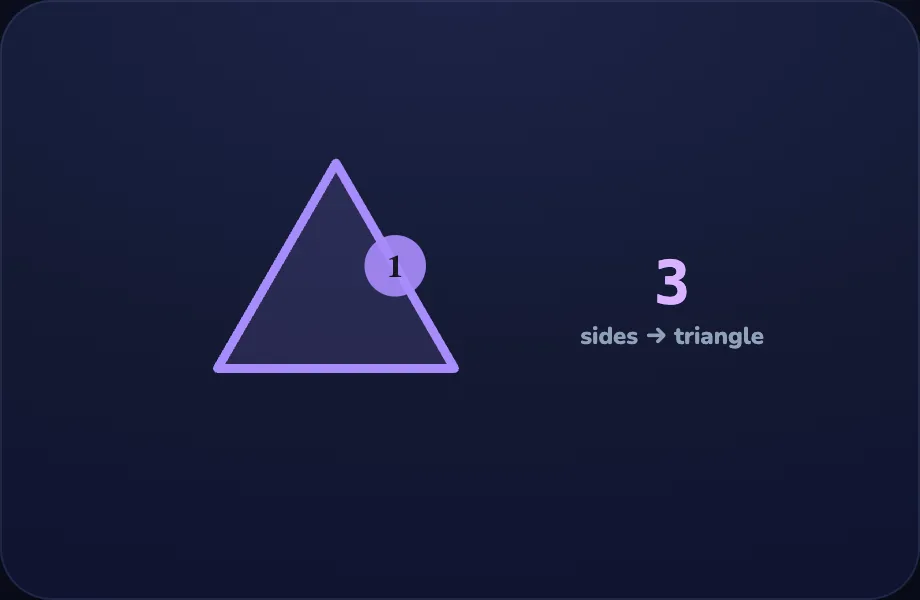
Triangle
Introduce the idea. Luna opens with the shape visual — a polygon with its sides counted and named, across 2 narrated beats, so the concept is seen before it is ever practised.
What Luna says
- Shapes are named by how many sides they have. Count the sides!
- Three sides make a triangle.
In the open config
id: tri
label: Triangle
beats:
  - say: lsh-1
    caption: Shapes are named by how many sides they have. Count the sides!
    view:
      kind: shape
      key: tri
      sides: 3
      name: triangle
  - say: lsh-2
    caption: Three sides make a triangle.
    view:
      kind: shape
      key: tri
      sides: 3
      name: triangle
Preview
Square
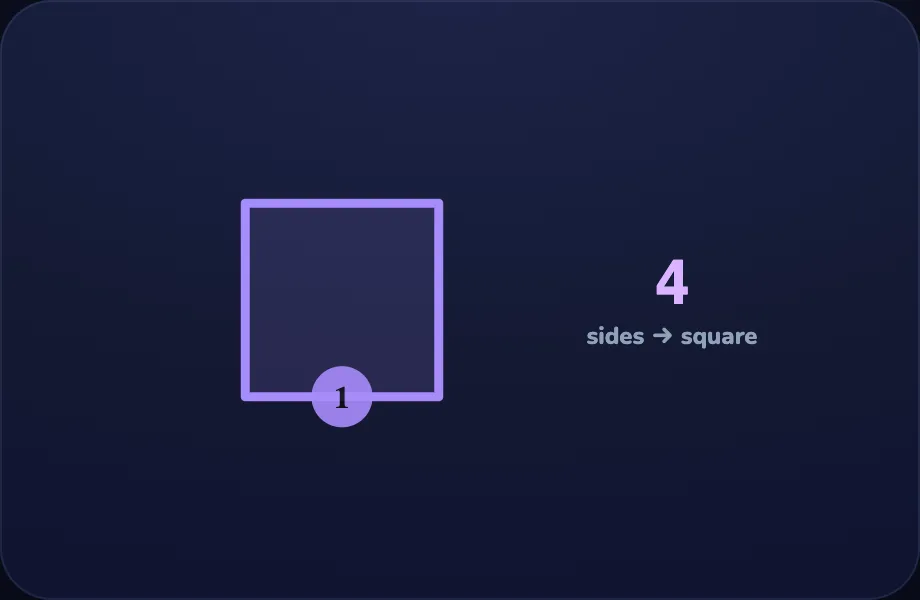
Worked example. Luna walks one case step by step with the shape view — a polygon with its sides counted and named, turning the idea into a procedure a child can repeat.
What Luna says
- Four equal sides make a square.
In the open config
id: sq
label: Square
beats:
  - say: lsh-3
    caption: Four equal sides make a square.
    view:
      kind: shape
      key: sq
      sides: 4
      name: square
Preview
Pentagon
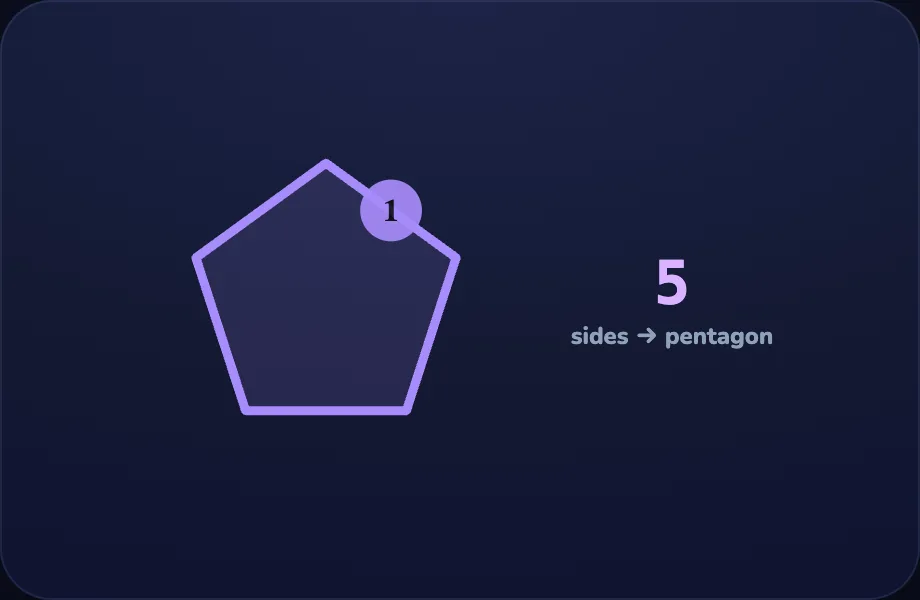
Worked example. Luna walks one case step by step with the shape view — a polygon with its sides counted and named, turning the idea into a procedure a child can repeat.
What Luna says
- Five sides make a pentagon.
In the open config
id: pent
label: Pentagon
beats:
  - say: lsh-4
    caption: Five sides make a pentagon.
    view:
      kind: shape
      key: pent
      sides: 5
      name: pentagon
Preview
Your turn
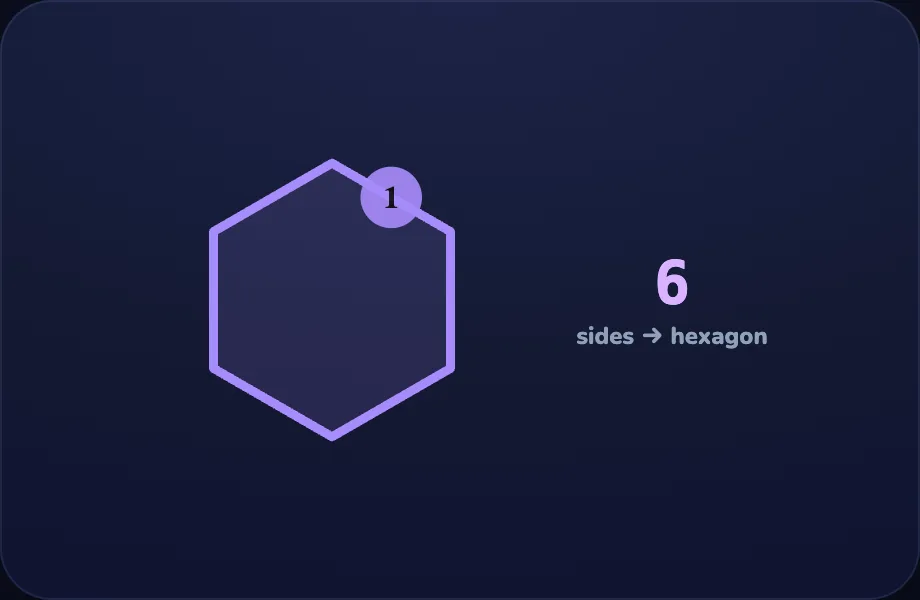
Your turn. The lesson hands off to the practice board: the child now answers, applying what the shape visual — a polygon with its sides counted and named just showed.
What Luna says
- Count the sides to name the shape. You try!
In the open config
id: go
label: Your turn
beats:
  - say: lsh-5
    caption: Count the sides to name the shape. You try!
    view:
      kind: shape
      key: hex
      sides: 6
      name: hexagon
Preview
Symmetry
How this station is declared (YAML)
id: gg-symmetry
title: Symmetry
icon: 🦋
board: symmetry
bands:
  - 0
  - 2
lesson: symmetry
concept: symmetry
Lesson: Symmetry — 3 steps
Fold line
Introduce the idea. Luna opens with the symmetry visual — a shape/emoji folding along its line of symmetry, across 2 narrated beats, so the concept is seen before it is ever practised.
What Luna says
- A shape has symmetry if you can fold it so both halves match exactly.
- Fold the butterfly down the middle — the wings line up perfectly. That fold is a line of symmetry.
In the open config
id: fold
label: Fold line
beats:
  - say: lsy-1
    caption: A shape has symmetry if you can fold it so both halves match exactly.
    view:
      kind: symmetry
      key: bf
      emoji: 🦋
  - say: lsy-2
    caption: Fold the butterfly down the middle — the wings line up perfectly. That fold is a line of symmetry.
    view:
      kind: symmetry
      key: bf
      emoji: 🦋
Preview
Heart
Worked example. Luna walks one case step by step with the symmetry view — a shape/emoji folding along its line of symmetry, turning the idea into a procedure a child can repeat.
What Luna says
- A heart is symmetric too — its two halves match.
In the open config
id: heart
label: Heart
beats:
  - say: lsy-3
    caption: A heart is symmetric too — its two halves match.
    view:
      kind: symmetry
      key: ht
      emoji: ❤️
Preview
Your turn
Your turn. The lesson hands off to the practice board: the child now answers, applying what the symmetry visual — a shape/emoji folding along its line of symmetry just showed.
What Luna says
- If the halves match across a fold, the shape is symmetric. You try!
In the open config
id: go
label: Your turn
beats:
  - say: lsy-4
    caption: If the halves match across a fold, the shape is symmetric. You try!
    view:
      kind: symmetry
      key: st
      emoji: ⭐
Preview
Angles
How this station is declared (YAML)
id: gg-angles
title: Angles
icon: 📐
board: angles
bands:
  - 0
  - 2
lesson: angles
concept: angles
Lesson: Angles — 4 steps
Right angle
Introduce the idea. Luna opens with the angle visual — an angle sweeping open to a given number of degrees, across 2 narrated beats, so the concept is seen before it is ever practised.
What Luna says
- An angle measures how far something turns, in degrees.
- A square corner is a right angle — exactly ninety degrees.
In the open config
id: right
label: Right angle
beats:
  - say: lan-1
    caption: An angle measures how far something turns, in degrees.
    view:
      kind: angle
      key: a90
      deg: 90
  - say: lan-2
    caption: A square corner is a right angle — exactly ninety degrees.
    view:
      kind: angle
      key: a90
      deg: 90
Preview
Acute
Worked example. Luna walks one case step by step with the angle view — an angle sweeping open to a given number of degrees, turning the idea into a procedure a child can repeat.
What Luna says
- A smaller turn, less than a corner, is an acute angle.
In the open config
id: acute
label: Acute
beats:
  - say: lan-3
    caption: A smaller turn, less than a corner, is an acute angle.
    view:
      kind: angle
      key: a45
      deg: 45
Preview
Obtuse
Worked example. Luna walks one case step by step with the angle view — an angle sweeping open to a given number of degrees, turning the idea into a procedure a child can repeat.
What Luna says
- A bigger turn, more than a corner, is an obtuse angle.
In the open config
id: obtuse
label: Obtuse
beats:
  - say: lan-4
    caption: A bigger turn, more than a corner, is an obtuse angle.
    view:
      kind: angle
      key: a130
      deg: 130
Preview
Your turn
Your turn. The lesson hands off to the practice board: the child now answers, applying what the angle visual — an angle sweeping open to a given number of degrees just showed.
What Luna says
- Right is ninety, acute is smaller, obtuse is bigger. You try!
In the open config
id: go
label: Your turn
beats:
  - say: lan-5
    caption: Right is ninety, acute is smaller, obtuse is bigger. You try!
    view:
      kind: angle
      key: a90b
      deg: 90
Preview
Perimeter
How this station is declared (YAML)
id: gg-perimeter
title: Perimeter
icon: 🧵
board: perimeter
bands:
  - 0
  - 2
lesson: perimeter
concept: perimeter
Lesson: Perimeter — 2 steps
Around the edge
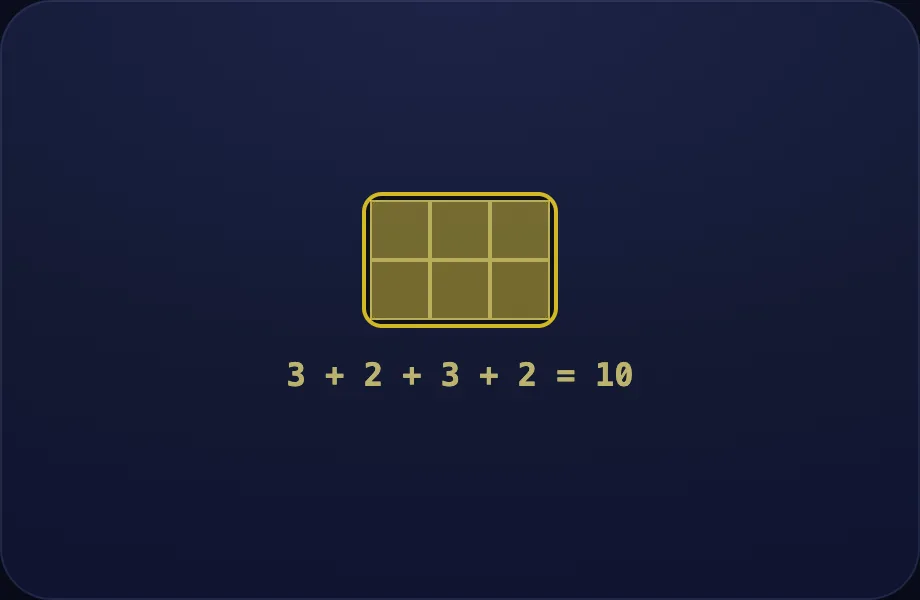
Introduce the idea. Luna opens with the perimeter visual — a rectangle with its border traced to teach perimeter, across 2 narrated beats, so the concept is seen before it is ever practised.
What Luna says
- Perimeter is the distance all the way around a shape. Walk along every edge.
- Add the four sides: three plus two plus three plus two is ten.
In the open config
id: edge
label: Around the edge
beats:
  - say: lpe-1
    caption: Perimeter is the distance all the way around a shape. Walk along every edge.
    view:
      kind: perimeter
      key: p32
      w: 3
      h: 2
  - say: lpe-2
    caption: "Add the four sides: three plus two plus three plus two is ten."
    view:
      kind: perimeter
      key: p32
      w: 3
      h: 2
Preview
Your turn
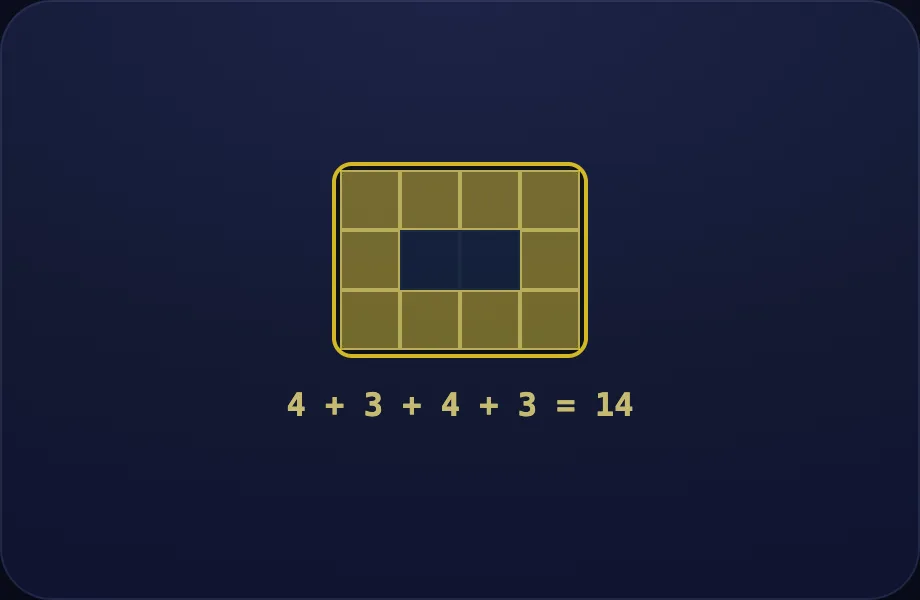
Your turn. The lesson hands off to the practice board: the child now answers, applying what the perimeter visual — a rectangle with its border traced to teach perimeter just showed.
What Luna says
- Add up all the sides to find the perimeter. You try!
In the open config
id: go
label: Your turn
beats:
  - say: lpe-3
    caption: Add up all the sides to find the perimeter. You try!
    view:
      kind: perimeter
      key: p43
      w: 4
      h: 3
Preview
Area
How this station is declared (YAML)
id: gg-area
title: Area
icon: 🟩
board: area
bands:
  - 0
  - 2
lesson: area
concept: area
Lesson: Area — 2 steps
Fill it
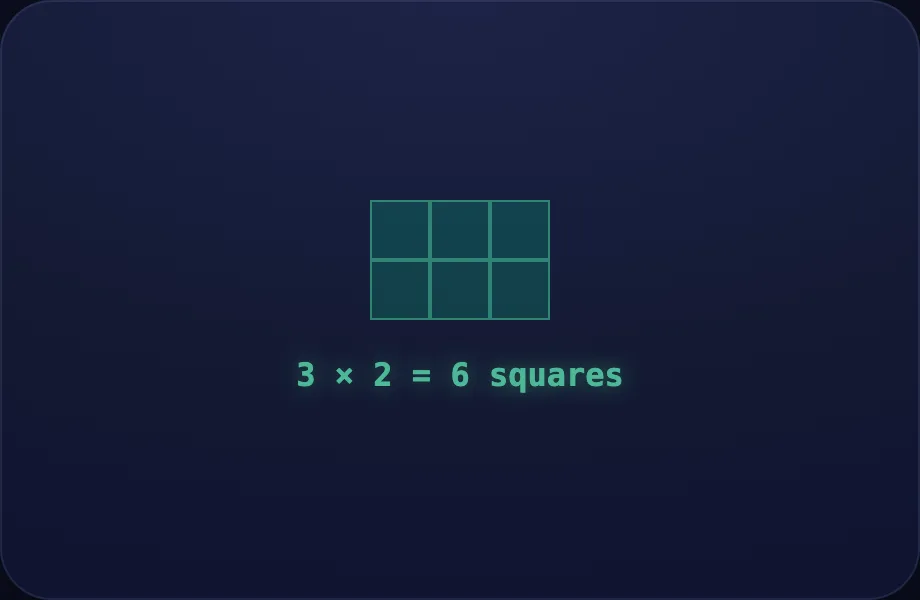
Introduce the idea. Luna opens with the area visual — a rectangle filling with unit squares to teach area, across 2 narrated beats, so the concept is seen before it is ever practised.
What Luna says
- Area is how much space fits inside a shape. Count the unit squares.
- Three columns and two rows make six squares. Area is rows times columns.
In the open config
id: fill
label: Fill it
beats:
  - say: lar-1
    caption: Area is how much space fits inside a shape. Count the unit squares.
    view:
      kind: area
      key: ar32
      w: 3
      h: 2
  - say: lar-2
    caption: Three columns and two rows make six squares. Area is rows times columns.
    view:
      kind: area
      key: ar32
      w: 3
      h: 2
Preview
Your turn
Your turn. The lesson hands off to the practice board: the child now answers, applying what the area visual — a rectangle filling with unit squares to teach area just showed.
What Luna says
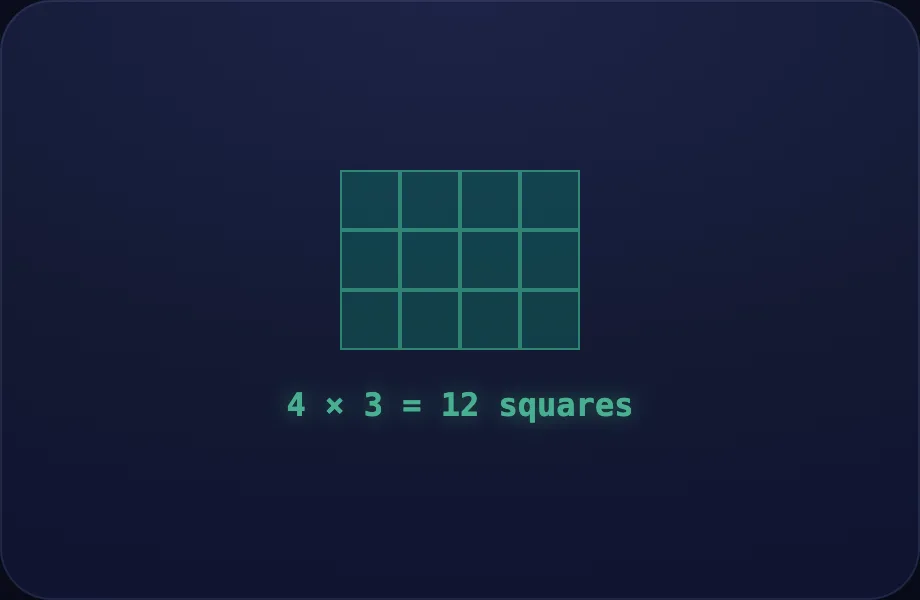
- Multiply the rows by the columns to find area. You try!
In the open config
id: go
label: Your turn
beats:
  - say: lar-3
    caption: Multiply the rows by the columns to find area. You try!
    view:
      kind: area
      key: ar43
      w: 4
      h: 3
Preview
Volume
How this station is declared (YAML)
id: gg-volume
title: Volume
icon: 📦
board: volume
bands:
  - 0
  - 2
lesson: volume
concept: volume
Lesson: Volume — 2 steps
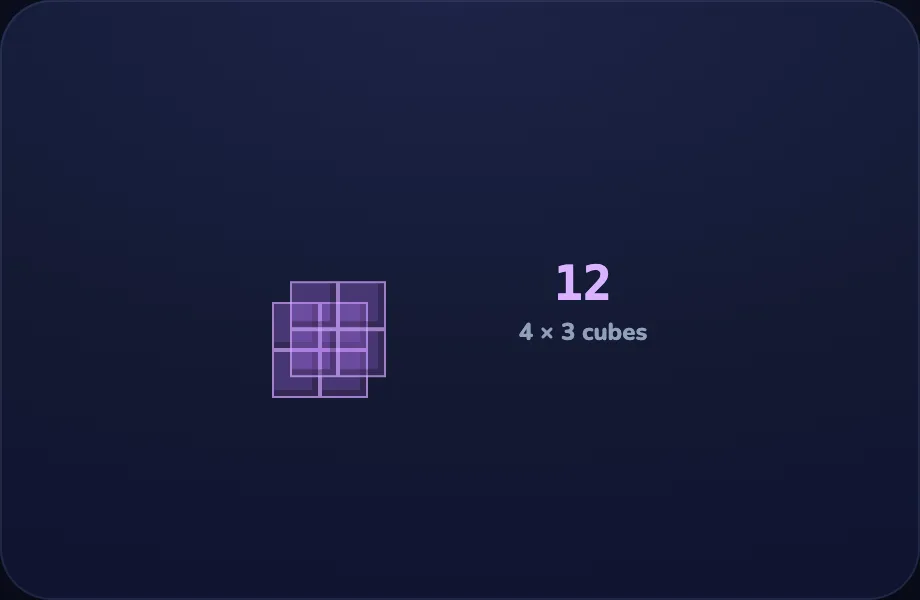
Stack cubes
Introduce the idea. Luna opens with the volume visual — a box stacking unit cubes layer by layer to teach volume, across 2 narrated beats, so the concept is seen before it is ever practised.
What Luna says
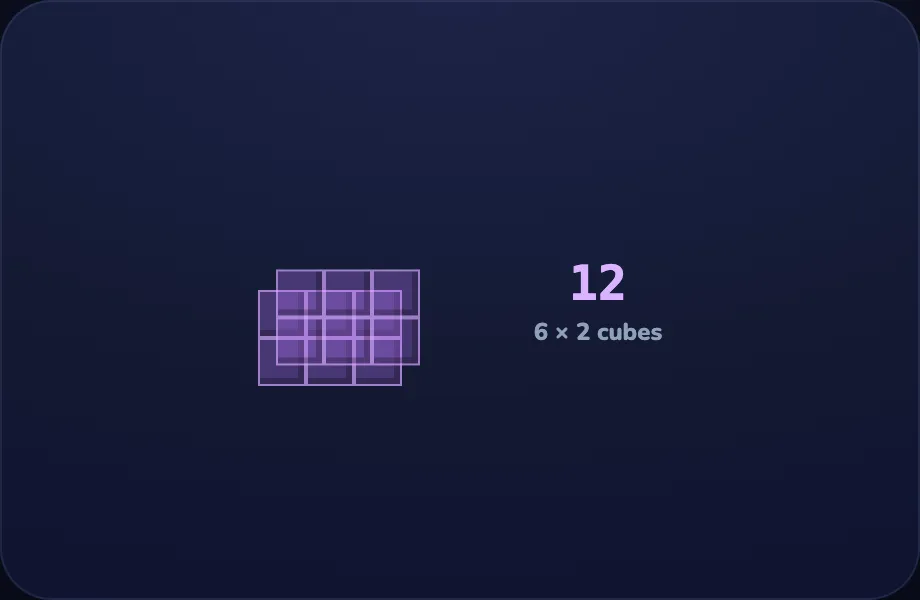
- Volume is how much space a solid fills. Count the unit cubes.
- Each layer has six cubes, and there are two layers — twelve cubes in all.
In the open config
id: stack
label: Stack cubes
beats:
  - say: lvo-1
    caption: Volume is how much space a solid fills. Count the unit cubes.
    view:
      kind: volume
      key: v322
      l: 3
      w: 2
      h: 2
  - say: lvo-2
    caption: Each layer has six cubes, and there are two layers — twelve cubes in all.
    view:
      kind: volume
      key: v322
      l: 3
      w: 2
      h: 2
Preview
Your turn
Your turn. The lesson hands off to the practice board: the child now answers, applying what the volume visual — a box stacking unit cubes layer by layer to teach volume just showed.
What Luna says
- Cubes in one layer, times the number of layers, gives the volume. You try!
In the open config
id: go
label: Your turn
beats:
  - say: lvo-3
    caption: Cubes in one layer, times the number of layers, gives the volume. You try!
    view:
      kind: volume
      key: v223
      l: 2
      w: 2
      h: 3
Preview