🐚 English Quest
Phonics Cove
Letter sounds, blending, digraphs, and word families — sounding out first words.
First Sounds
Covers: s a t p i n
How this station is declared (YAML)
id: ph-set1
title: First Sounds
icon: 🅰️
sub: s a t p i n
board: soundToLetter
bands:
  - 0
lesson: letter-sounds
Lesson: Letter Sounds — 6 steps
All sounds
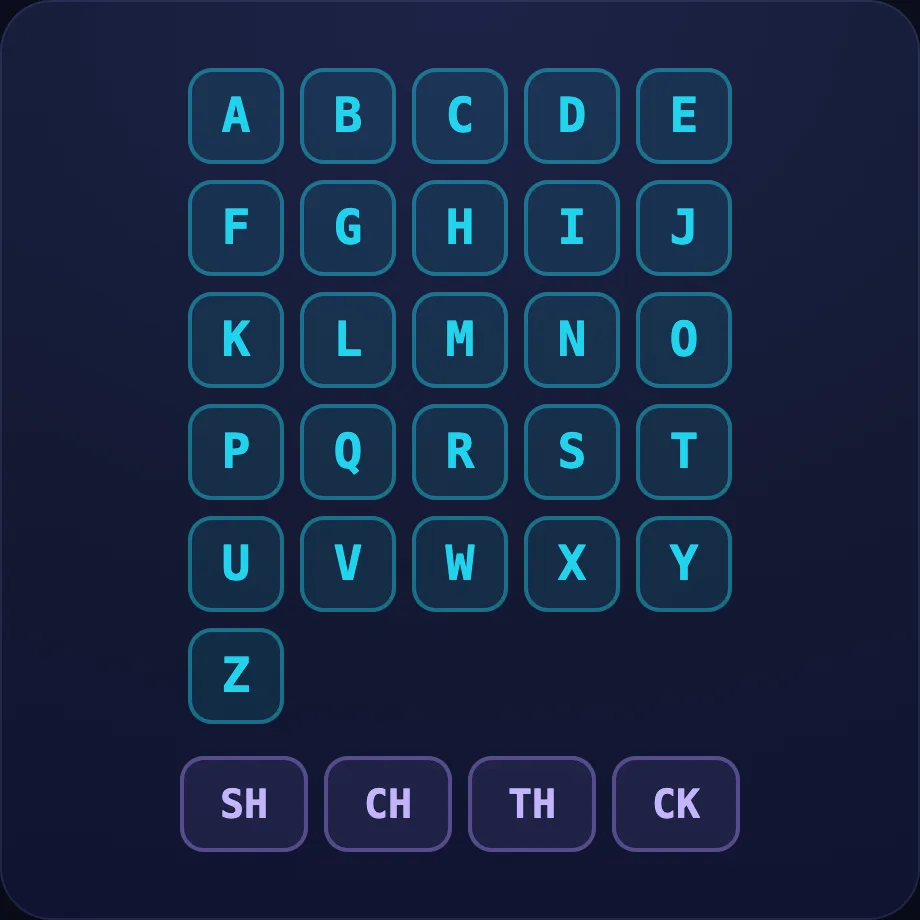
Introduce the idea. Luna opens with the soundboard visual — interactive sound wall: every letter and digraph as a tappable tile — tap one to hear its sound. A whole-alphabet "explore it yourself" screen, across 1 narrated beat, so the concept is seen before it is ever practised.
What Luna says
- Here are all our letter sounds. Tap any letter to hear the sound it makes!
In the open config
id: sounds
label: All sounds
beats:
  - say: lph-0
    caption: Here are all our letter sounds. Tap any letter to hear the sound it makes!
    advance: hold
    view:
      kind: soundboard
      key: board
Preview
Listen
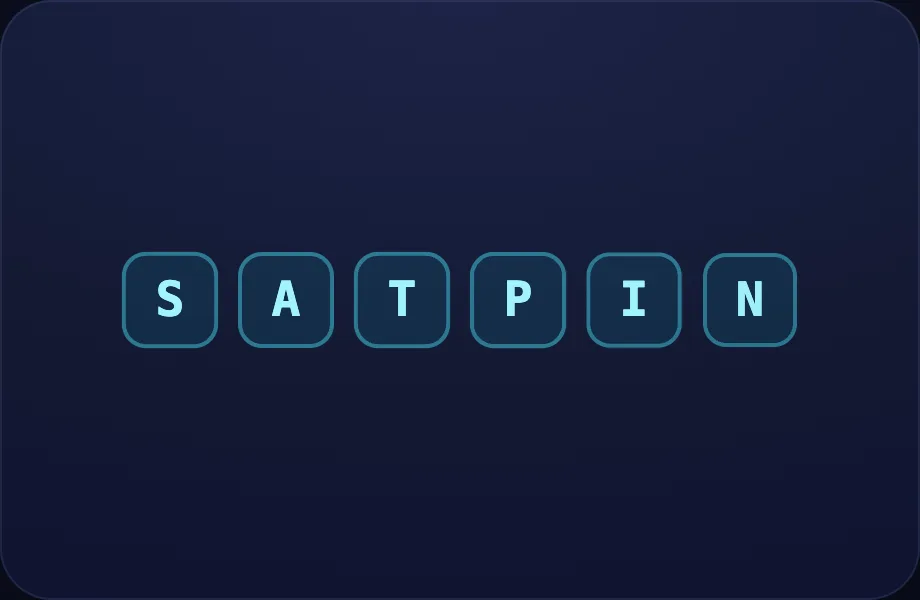
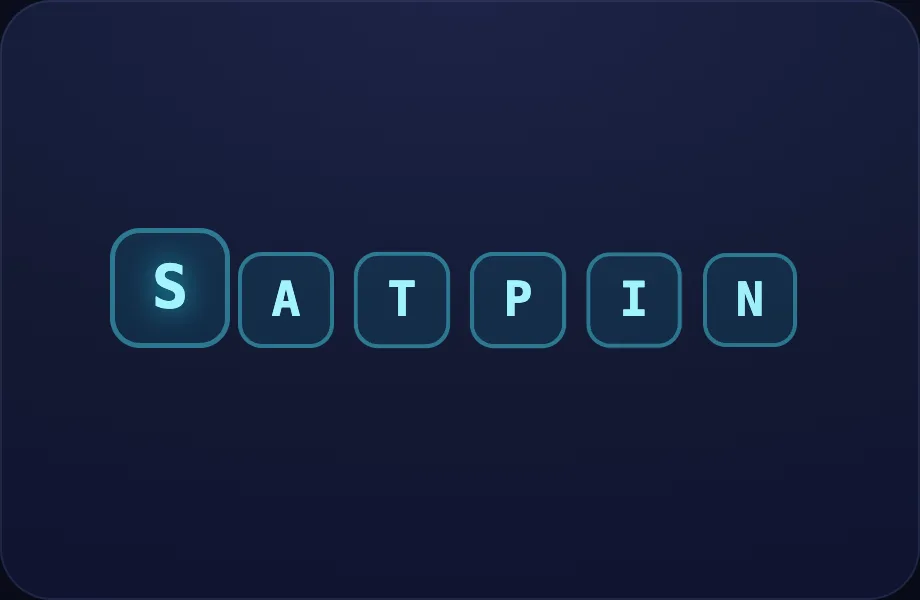
Worked example. Luna walks one case step by step with the letters view — a row of letter tiles; the active one lifts and glows. Good for intro/recap beats that point at a set of letters, turning the idea into a procedure a child can repeat.
What Luna says
- Reading starts with listening. Every letter makes its own little sound — let's hear a few!
In the open config
id: listen
label: Listen
beats:
  - say: lph-1
    caption: Reading starts with listening. Every letter makes its own little sound — let's hear a few!
    view:
      kind: letters
      key: intro
      items:
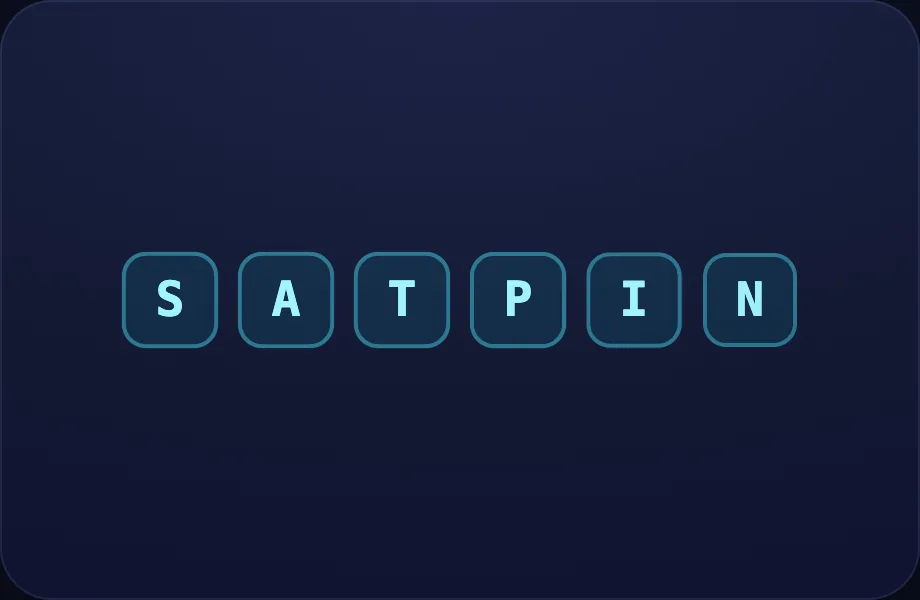
        - s
        - a
        - t
        - p
        - i
        - "n"
Preview
S
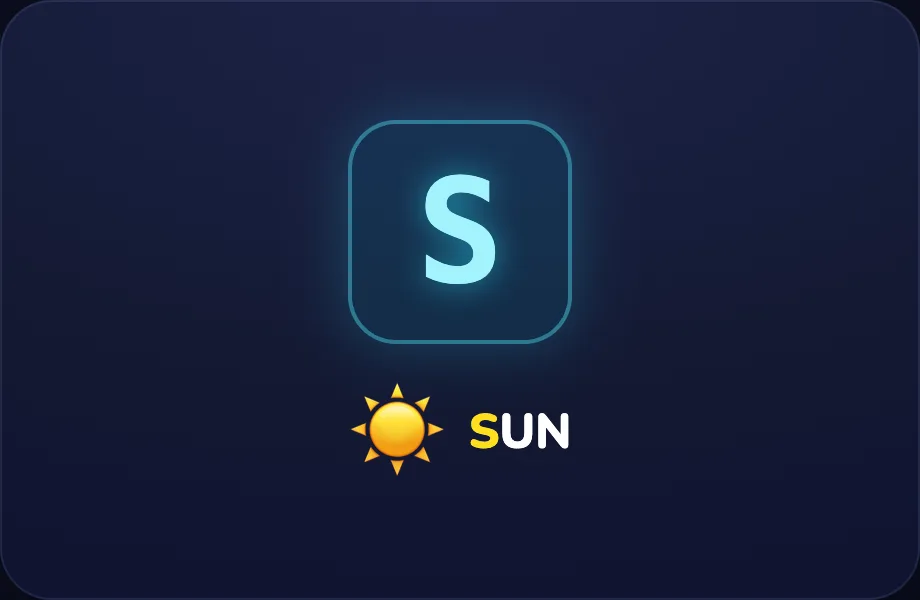
Worked example. Luna walks one case step by step with the phoneme view — one letter in focus: a big letter card plus an example word and picture, with the first letter coloured, turning the idea into a procedure a child can repeat.
What Luna says
- This is the letter S. It says sss, like at the start of sun.
In the open config
id: s
label: S
beats:
  - say: lph-2
    caption: This is the letter S. It says sss, like at the start of sun.
    view:
      kind: phoneme
      key: s
      letter: s
      word: sun
      emoji: ☀️
Preview
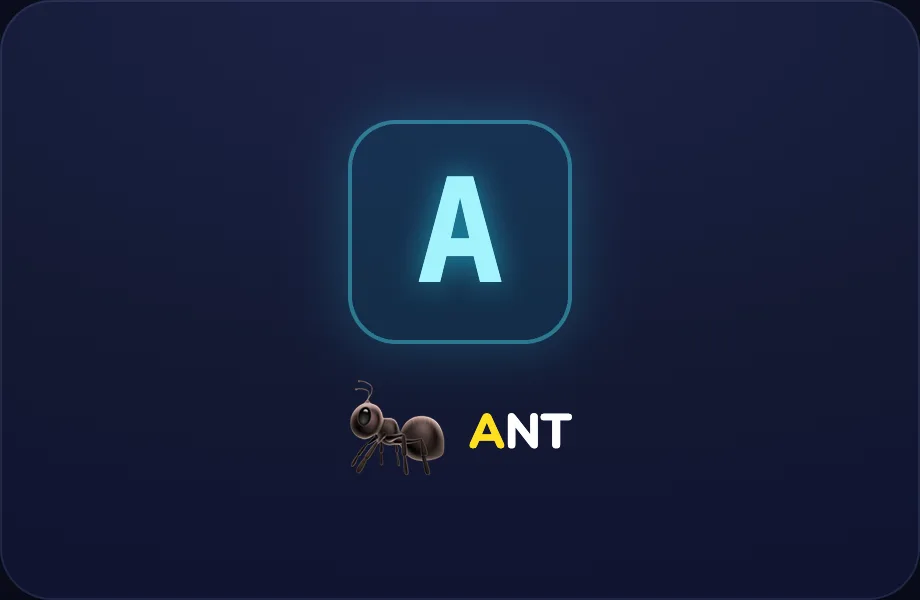
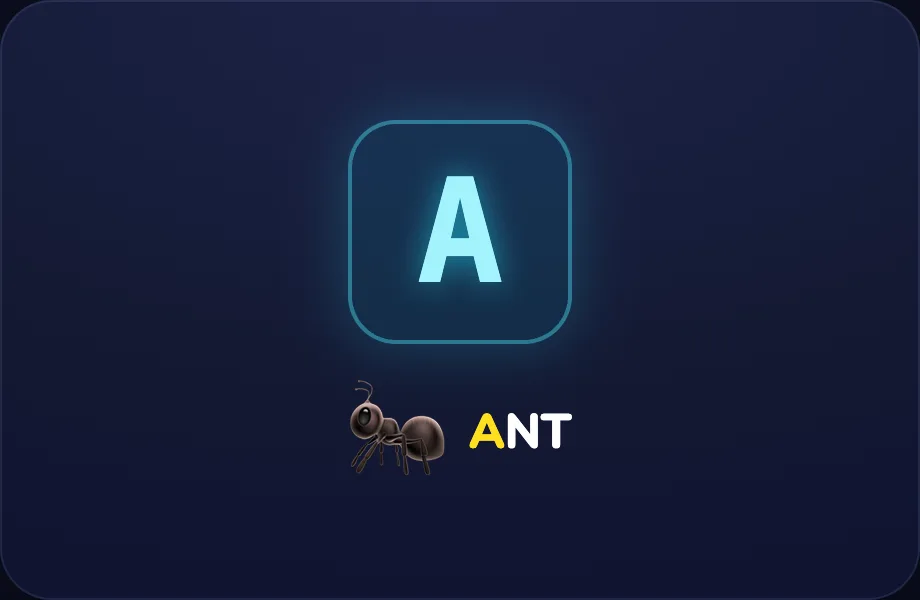
A
Worked example. Luna walks one case step by step with the phoneme view — one letter in focus: a big letter card plus an example word and picture, with the first letter coloured, turning the idea into a procedure a child can repeat.
What Luna says
- This is the letter A. It says ah, like at the start of ant.
In the open config
id: a
label: A
beats:
  - say: lph-3
    caption: This is the letter A. It says ah, like at the start of ant.
    view:
      kind: phoneme
      key: a
      letter: a
      word: ant
      emoji: 🐜
Preview
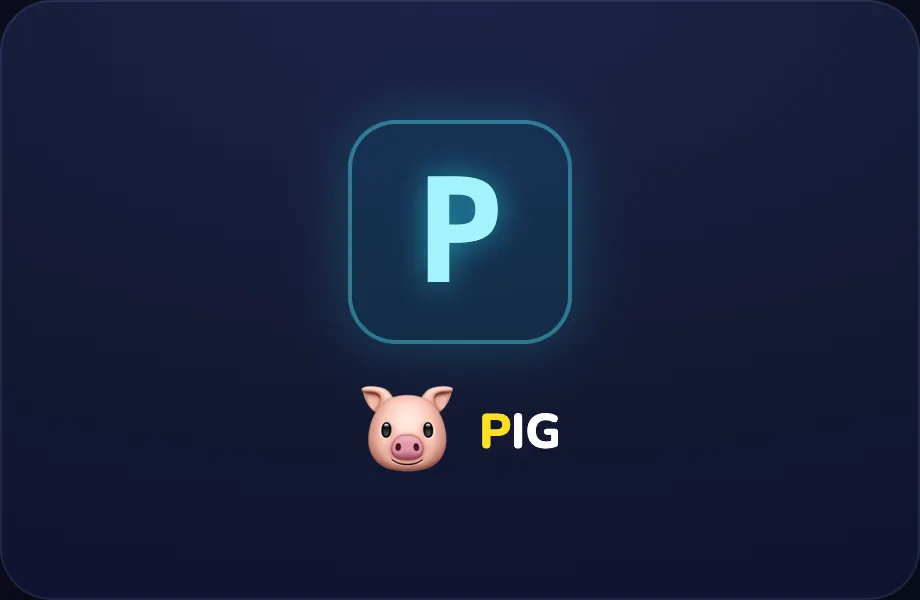
P
Worked example. Luna walks one case step by step with the phoneme view — one letter in focus: a big letter card plus an example word and picture, with the first letter coloured, turning the idea into a procedure a child can repeat.
What Luna says
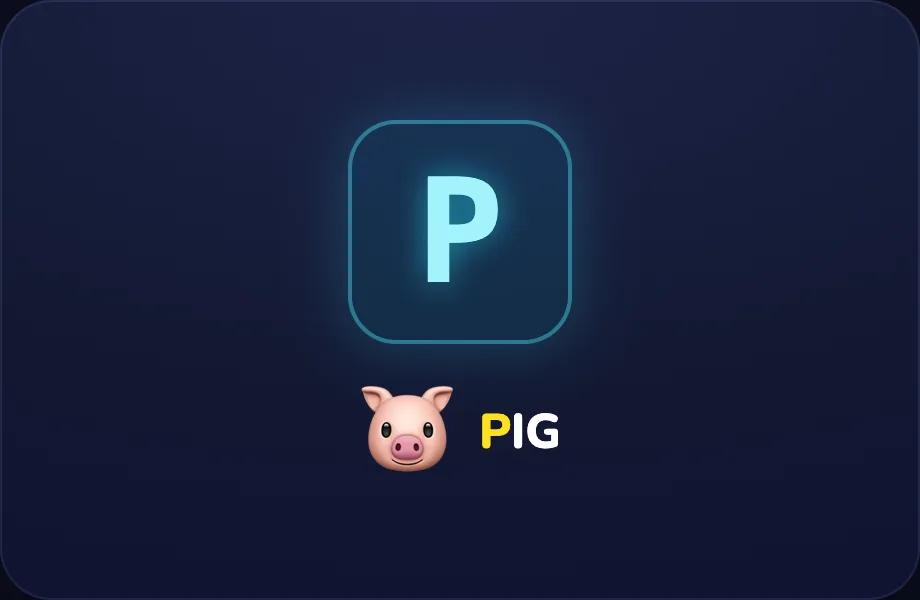
- This is the letter P. It says puh, like at the start of pig.
In the open config
id: p
label: P
beats:
  - say: lph-4
    caption: This is the letter P. It says puh, like at the start of pig.
    view:
      kind: phoneme
      key: p
      letter: p
      word: pig
      emoji: 🐷
Preview
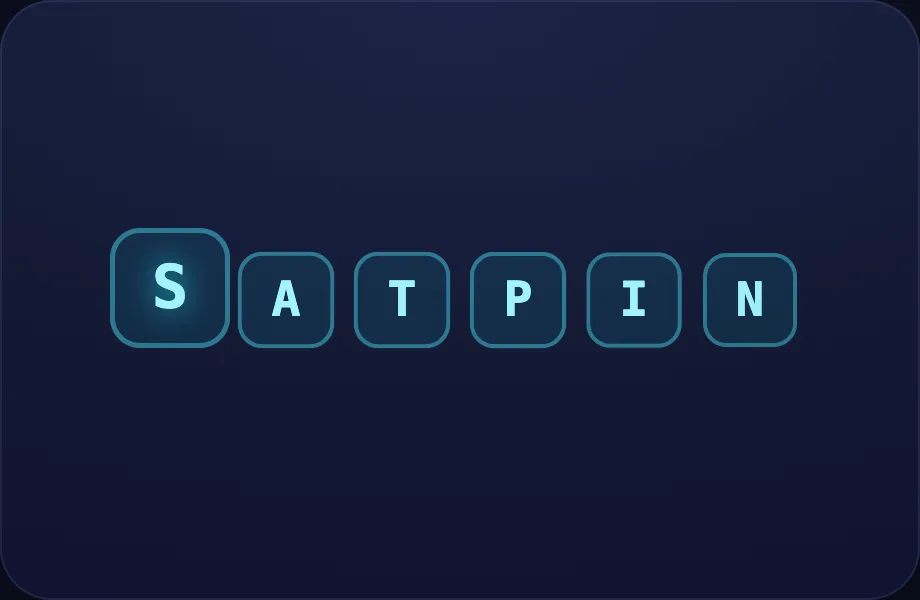
Your turn
Your turn. The lesson hands off to the practice board: the child now answers, applying what the letters visual — a row of letter tiles; the active one lifts and glows. Good for intro/recap beats that point at a set of letters just showed.
What Luna says
- When you hear a sound, find the letter that makes it and tap it. Now you try!
In the open config
id: go
label: Your turn
beats:
  - say: lph-5
    caption: When you hear a sound, find the letter that makes it and tap it. Now you try!
    view:
      kind: letters
      key: go
      items:
        - s
        - a
        - t
        - p
        - i
        - "n"
      active: 0
Preview
More Sounds
Covers: + m d g o c k
How this station is declared (YAML)
id: ph-set2
title: More Sounds
icon: 🅱️
sub: + m d g o c k
board: soundToLetter
bands:
  - 0
  - 1
lesson: letter-sounds
Lesson: Letter Sounds — 6 steps
All sounds
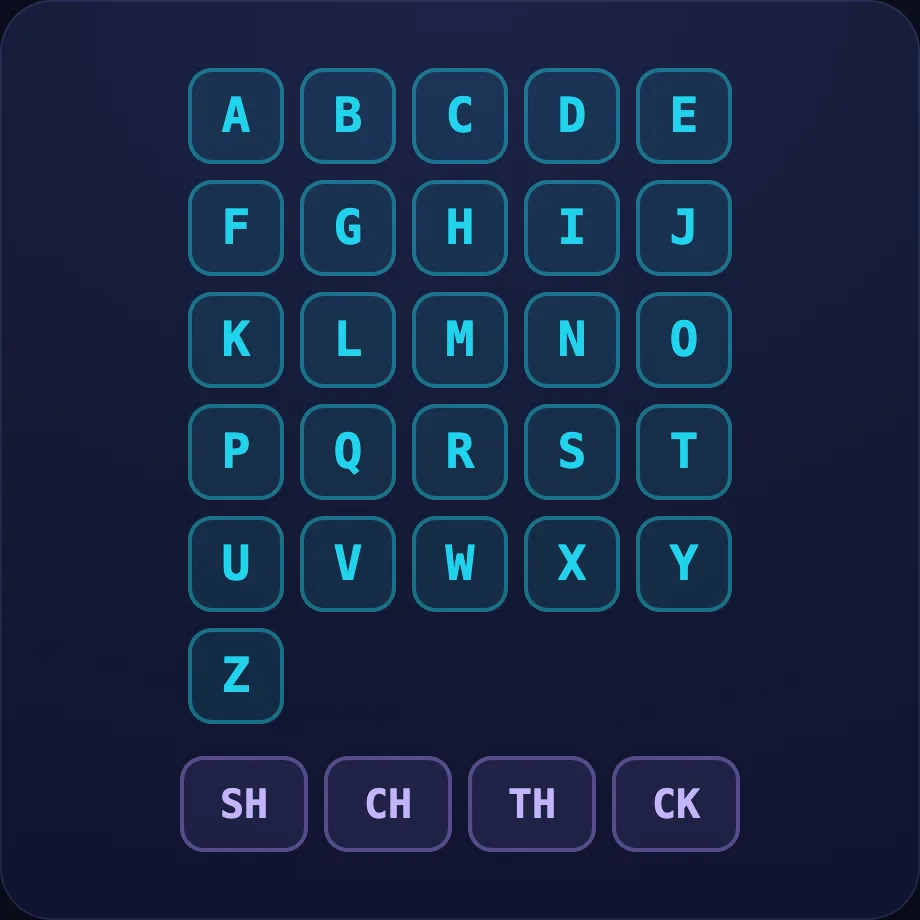
Introduce the idea. Luna opens with the soundboard visual — interactive sound wall: every letter and digraph as a tappable tile — tap one to hear its sound. A whole-alphabet "explore it yourself" screen, across 1 narrated beat, so the concept is seen before it is ever practised.
What Luna says
- Here are all our letter sounds. Tap any letter to hear the sound it makes!
In the open config
id: sounds
label: All sounds
beats:
  - say: lph-0
    caption: Here are all our letter sounds. Tap any letter to hear the sound it makes!
    advance: hold
    view:
      kind: soundboard
      key: board
Preview
Listen
Worked example. Luna walks one case step by step with the letters view — a row of letter tiles; the active one lifts and glows. Good for intro/recap beats that point at a set of letters, turning the idea into a procedure a child can repeat.
What Luna says
- Reading starts with listening. Every letter makes its own little sound — let's hear a few!
In the open config
id: listen
label: Listen
beats:
  - say: lph-1
    caption: Reading starts with listening. Every letter makes its own little sound — let's hear a few!
    view:
      kind: letters
      key: intro
      items:
        - s
        - a
        - t
        - p
        - i
        - "n"
Preview
S
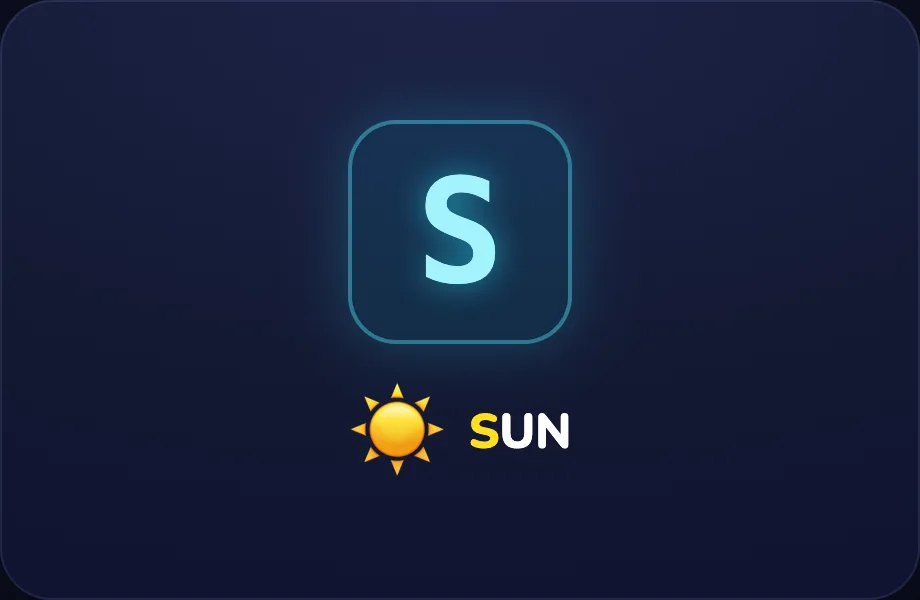
Worked example. Luna walks one case step by step with the phoneme view — one letter in focus: a big letter card plus an example word and picture, with the first letter coloured, turning the idea into a procedure a child can repeat.
What Luna says
- This is the letter S. It says sss, like at the start of sun.
In the open config
id: s
label: S
beats:
  - say: lph-2
    caption: This is the letter S. It says sss, like at the start of sun.
    view:
      kind: phoneme
      key: s
      letter: s
      word: sun
      emoji: ☀️
Preview
A
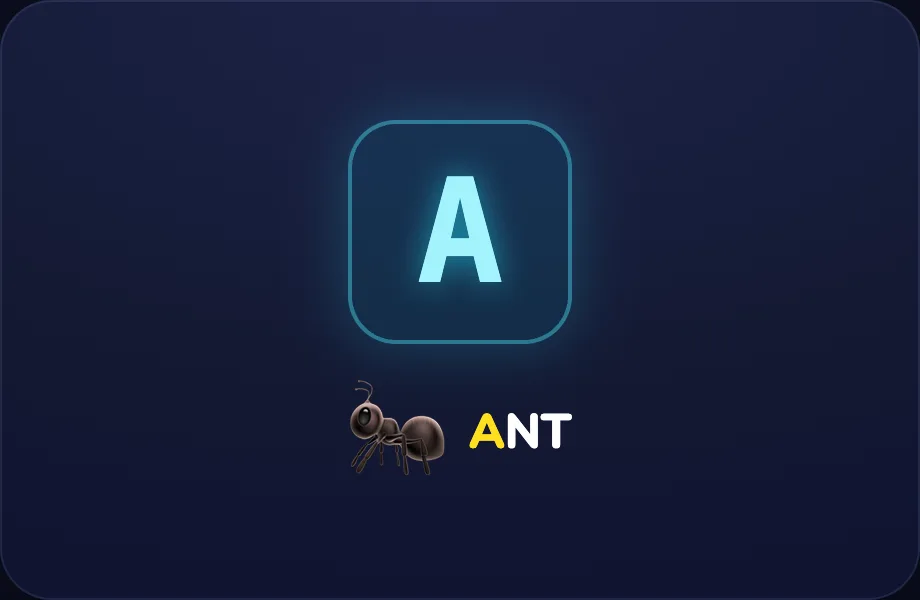
Worked example. Luna walks one case step by step with the phoneme view — one letter in focus: a big letter card plus an example word and picture, with the first letter coloured, turning the idea into a procedure a child can repeat.
What Luna says
- This is the letter A. It says ah, like at the start of ant.
In the open config
id: a
label: A
beats:
  - say: lph-3
    caption: This is the letter A. It says ah, like at the start of ant.
    view:
      kind: phoneme
      key: a
      letter: a
      word: ant
      emoji: 🐜
Preview
P
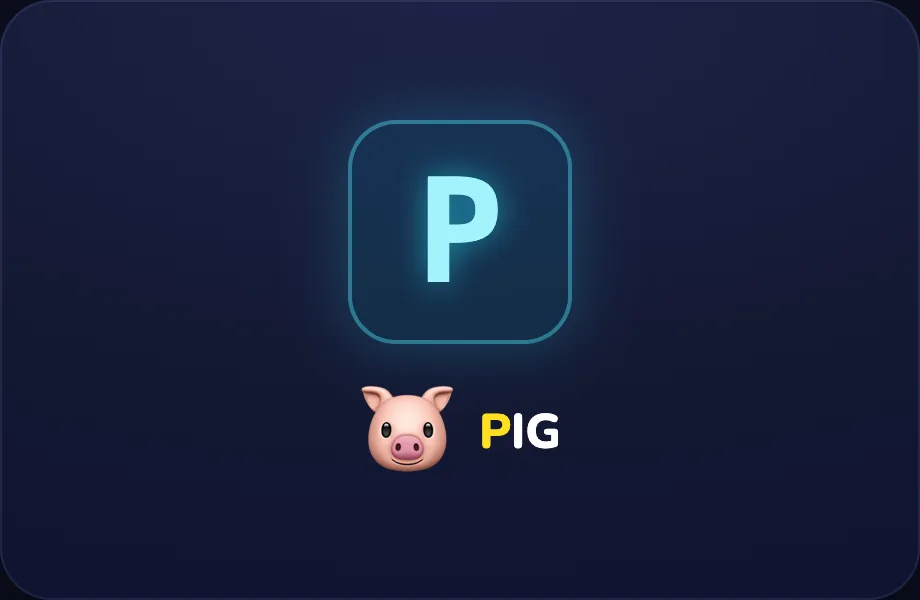
Worked example. Luna walks one case step by step with the phoneme view — one letter in focus: a big letter card plus an example word and picture, with the first letter coloured, turning the idea into a procedure a child can repeat.
What Luna says
- This is the letter P. It says puh, like at the start of pig.
In the open config
id: p
label: P
beats:
  - say: lph-4
    caption: This is the letter P. It says puh, like at the start of pig.
    view:
      kind: phoneme
      key: p
      letter: p
      word: pig
      emoji: 🐷
Preview
Your turn
Your turn. The lesson hands off to the practice board: the child now answers, applying what the letters visual — a row of letter tiles; the active one lifts and glows. Good for intro/recap beats that point at a set of letters just showed.
What Luna says
- When you hear a sound, find the letter that makes it and tap it. Now you try!
In the open config
id: go
label: Your turn
beats:
  - say: lph-5
    caption: When you hear a sound, find the letter that makes it and tap it. Now you try!
    view:
      kind: letters
      key: go
      items:
        - s
        - a
        - t
        - p
        - i
        - "n"
      active: 0
Preview
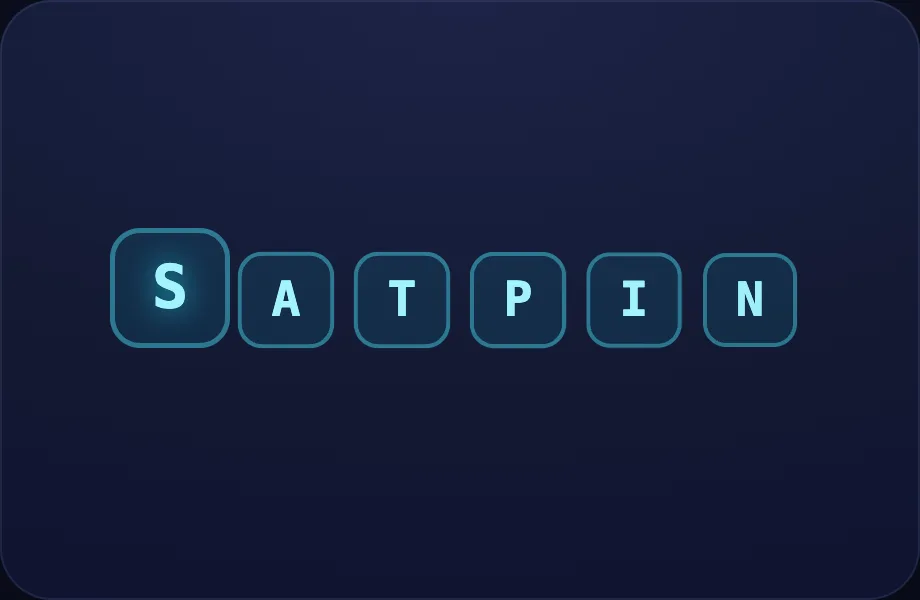
All Letter Sounds
Covers: every letter
How this station is declared (YAML)
id: ph-all
title: All Letter Sounds
icon: 🔤
sub: every letter
board: soundToLetter
bands:
  - 0
  - 1
  - 2
lesson: letter-sounds
Lesson: Letter Sounds — 6 steps
All sounds
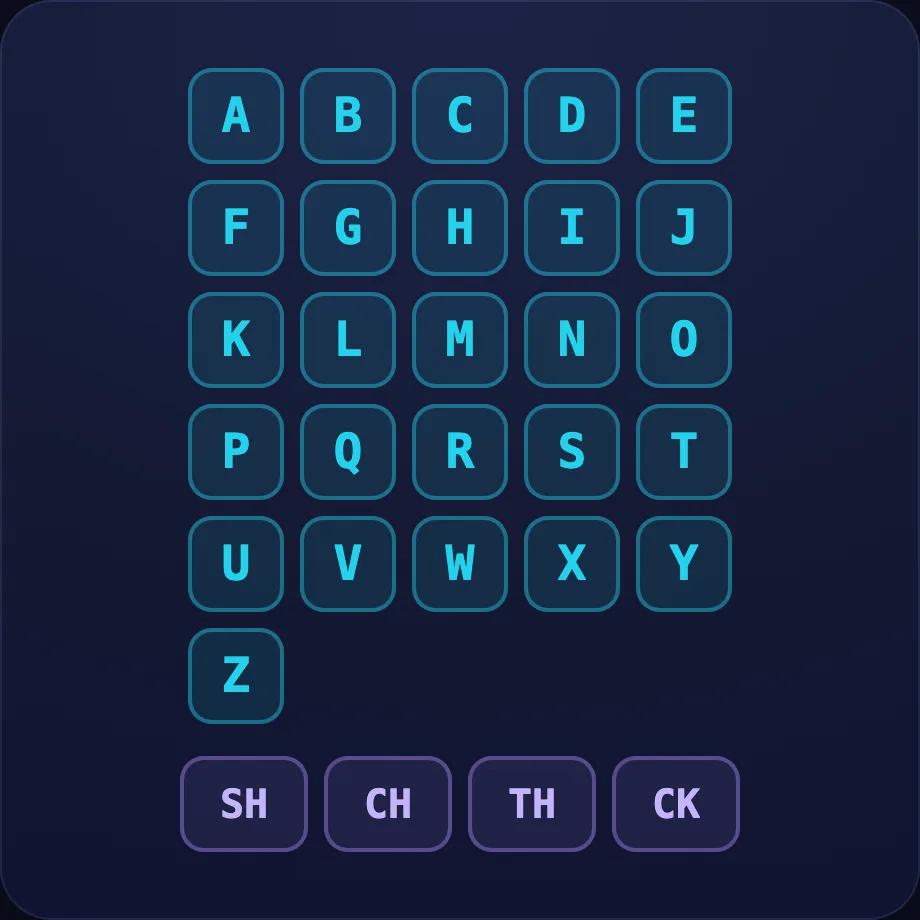
Introduce the idea. Luna opens with the soundboard visual — interactive sound wall: every letter and digraph as a tappable tile — tap one to hear its sound. A whole-alphabet "explore it yourself" screen, across 1 narrated beat, so the concept is seen before it is ever practised.
What Luna says
- Here are all our letter sounds. Tap any letter to hear the sound it makes!
In the open config
id: sounds
label: All sounds
beats:
  - say: lph-0
    caption: Here are all our letter sounds. Tap any letter to hear the sound it makes!
    advance: hold
    view:
      kind: soundboard
      key: board
Preview
Listen
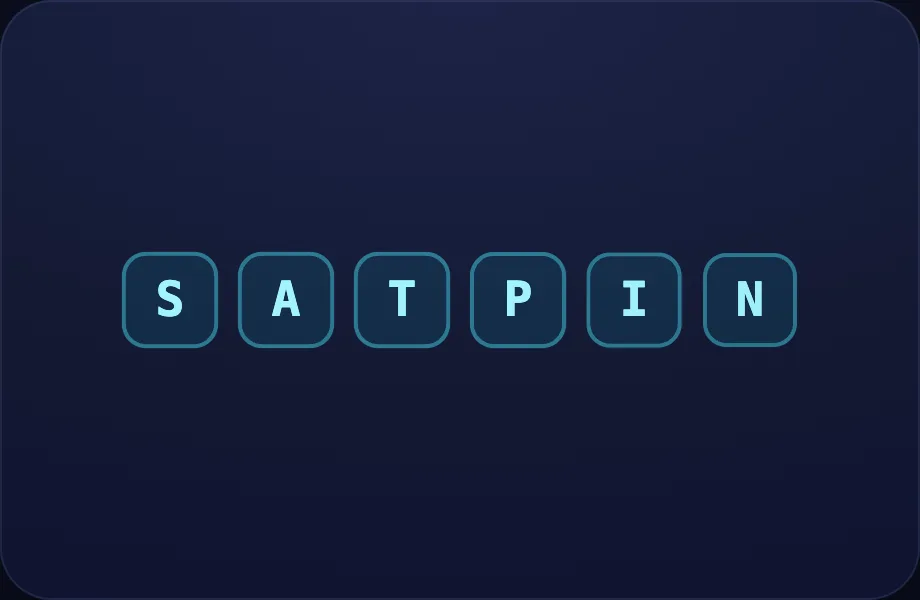
Worked example. Luna walks one case step by step with the letters view — a row of letter tiles; the active one lifts and glows. Good for intro/recap beats that point at a set of letters, turning the idea into a procedure a child can repeat.
What Luna says
- Reading starts with listening. Every letter makes its own little sound — let's hear a few!
In the open config
id: listen
label: Listen
beats:
  - say: lph-1
    caption: Reading starts with listening. Every letter makes its own little sound — let's hear a few!
    view:
      kind: letters
      key: intro
      items:
        - s
        - a
        - t
        - p
        - i
        - "n"
Preview
S
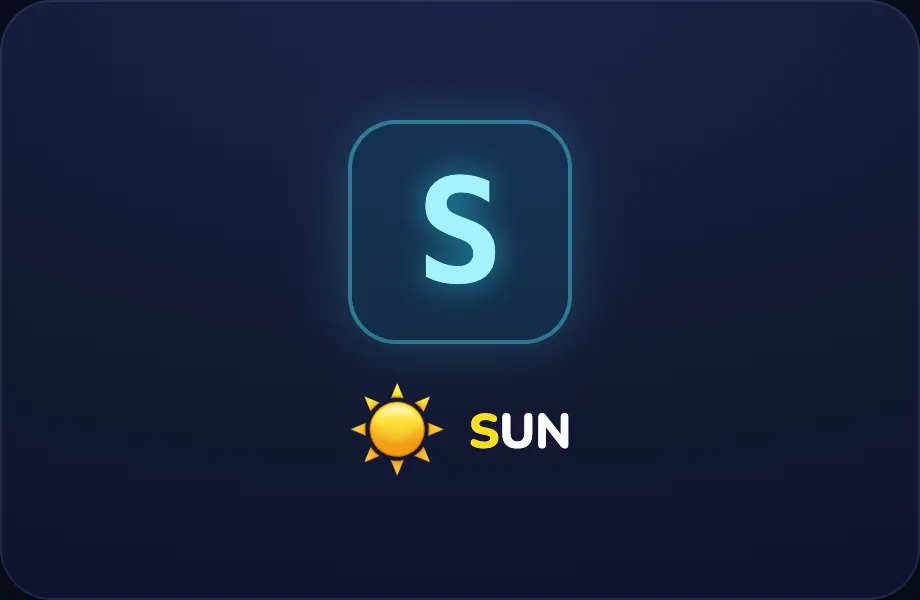
Worked example. Luna walks one case step by step with the phoneme view — one letter in focus: a big letter card plus an example word and picture, with the first letter coloured, turning the idea into a procedure a child can repeat.
What Luna says
- This is the letter S. It says sss, like at the start of sun.
In the open config
id: s
label: S
beats:
  - say: lph-2
    caption: This is the letter S. It says sss, like at the start of sun.
    view:
      kind: phoneme
      key: s
      letter: s
      word: sun
      emoji: ☀️
Preview
A
Worked example. Luna walks one case step by step with the phoneme view — one letter in focus: a big letter card plus an example word and picture, with the first letter coloured, turning the idea into a procedure a child can repeat.
What Luna says
- This is the letter A. It says ah, like at the start of ant.
In the open config
id: a
label: A
beats:
  - say: lph-3
    caption: This is the letter A. It says ah, like at the start of ant.
    view:
      kind: phoneme
      key: a
      letter: a
      word: ant
      emoji: 🐜
Preview
P
Worked example. Luna walks one case step by step with the phoneme view — one letter in focus: a big letter card plus an example word and picture, with the first letter coloured, turning the idea into a procedure a child can repeat.
What Luna says
- This is the letter P. It says puh, like at the start of pig.
In the open config
id: p
label: P
beats:
  - say: lph-4
    caption: This is the letter P. It says puh, like at the start of pig.
    view:
      kind: phoneme
      key: p
      letter: p
      word: pig
      emoji: 🐷
Preview
Your turn
Your turn. The lesson hands off to the practice board: the child now answers, applying what the letters visual — a row of letter tiles; the active one lifts and glows. Good for intro/recap beats that point at a set of letters just showed.
What Luna says
- When you hear a sound, find the letter that makes it and tap it. Now you try!
In the open config
id: go
label: Your turn
beats:
  - say: lph-5
    caption: When you hear a sound, find the letter that makes it and tap it. Now you try!
    view:
      kind: letters
      key: go
      items:
        - s
        - a
        - t
        - p
        - i
        - "n"
      active: 0
Preview
Blending Bay
Covers: blend sounds into words
How this station is declared (YAML)
id: ph-blend
title: Blending Bay
icon: 🫧
sub: blend sounds into words
board: blendWord
bands:
  - 0
lesson: blending
Lesson: Blending — 3 steps
c-a-t
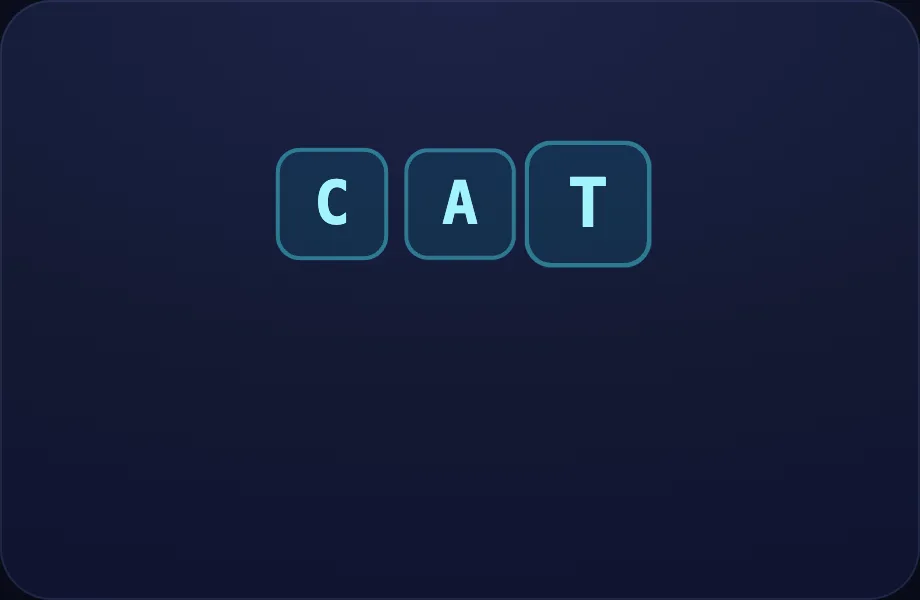
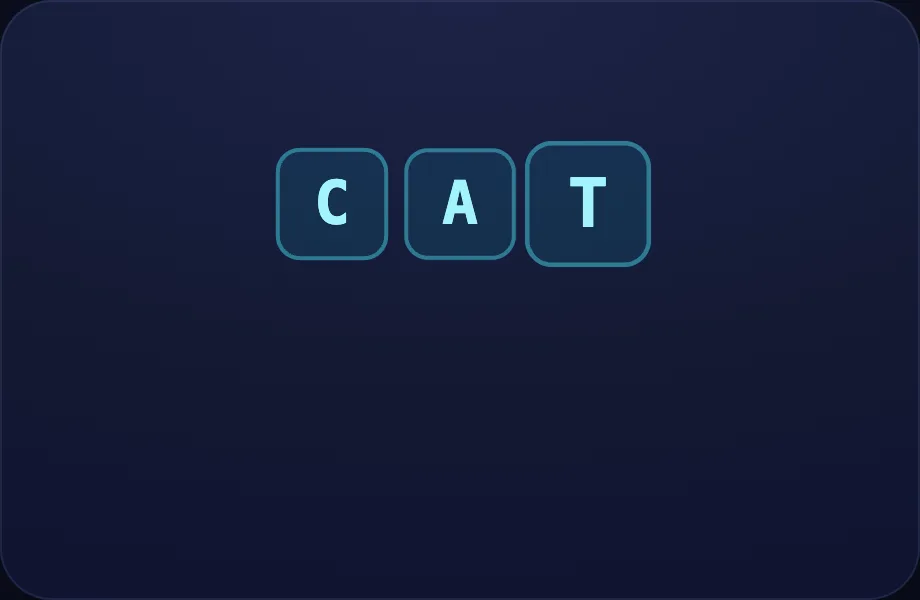
Introduce the idea. Luna opens with the blend visual — sounds blending into a word: letter chips appear one by one, then resolve into the whole word ("c-a-t → cat"), across 2 narrated beats, so the concept is seen before it is ever practised.
What Luna says
- Letters team up to make words. Listen to these three sounds, one at a time.
- Now blend them together, nice and smooth: cat!
In the open config
id: cat
label: c-a-t
beats:
  - say: lbl-1
    caption: Letters team up to make words. Listen to these three sounds, one at a time.
    view:
      kind: blend
      key: cat
      letters:
        - c
        - a
        - t
      word: cat
  - say: lbl-2
    caption: "Now blend them together, nice and smooth: cat!"
    view:
      kind: blend
      key: cat
      letters:
        - c
        - a
        - t
      word: cat
Preview
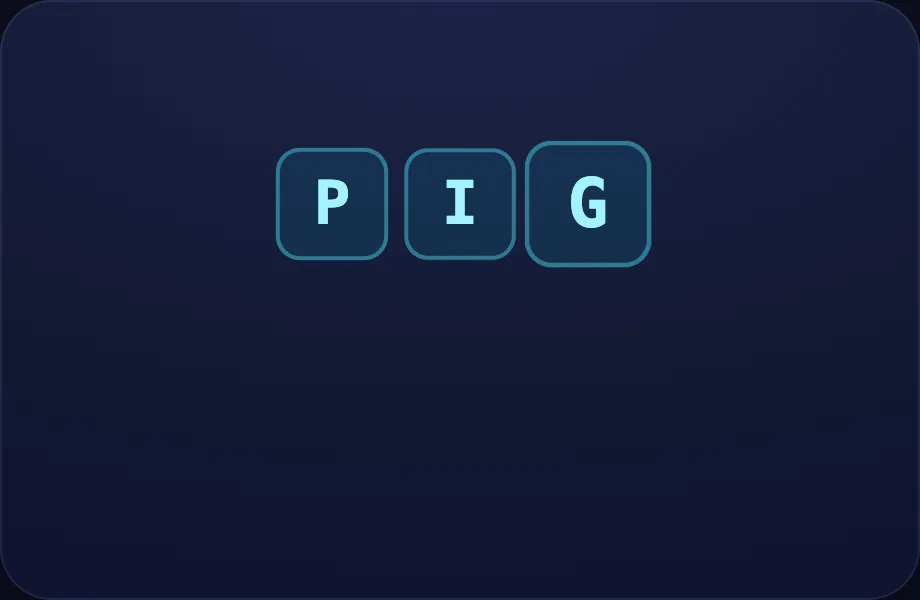
p-i-g
Worked example. Luna walks one case step by step with the blend view — sounds blending into a word: letter chips appear one by one, then resolve into the whole word ("c-a-t → cat"), turning the idea into a procedure a child can repeat.
What Luna says
- Let's try another word. Sound out each letter.
- Blend them together: pig!
In the open config
id: pig
label: p-i-g
beats:
  - say: lbl-3
    caption: Let's try another word. Sound out each letter.
    view:
      kind: blend
      key: pig
      letters:
        - p
        - i
        - g
      word: pig
  - say: lbl-4
    caption: "Blend them together: pig!"
    view:
      kind: blend
      key: pig
      letters:
        - p
        - i
        - g
      word: pig
Preview
Your turn
Your turn. The lesson hands off to the practice board: the child now answers, applying what the blend visual — sounds blending into a word: letter chips appear one by one, then resolve into the whole word ("c-a-t → cat") just showed.
What Luna says
- Your turn — listen to the sounds, then tap the letters in order to build the word. You try!
In the open config
id: go
label: Your turn
beats:
  - say: lbl-5
    caption: Your turn — listen to the sounds, then tap the letters in order to build the word. You try!
    view:
      kind: blend
      key: cat2
      letters:
        - c
        - a
        - t
      word: cat
Preview
Word Families
Covers: -at, -an, -ig
How this station is declared (YAML)
id: ph-families title: Word Families icon: 👨👩👧 sub: "-at, -an, -ig" board: wordFamily bands: - 0 lesson: word-families
Lesson: Word Families — 3 steps
The -at family
Introduce the idea. Luna opens with the blend visual — sounds blending into a word: letter chips appear one by one, then resolve into the whole word ("c-a-t → cat"), across 2 narrated beats, so the concept is seen before it is ever practised.
What Luna says
- Some words are a family — they share the very same ending. Here is the -at family.
- Keep the ending and swap the first letter: cat becomes hat!
In the open config
id: fam
label: The -at family
beats:
  - say: lwf-1
    caption: Some words are a family — they share the very same ending. Here is the -at family.
    view:
      kind: blend
      key: cat
      letters:
        - c
        - a
        - t
      word: cat
  - say: lwf-2
    caption: "Keep the ending and swap the first letter: cat becomes hat!"
    view:
      kind: blend
      key: hat
      letters:
        - h
        - a
        - t
      word: hat
Preview
Again
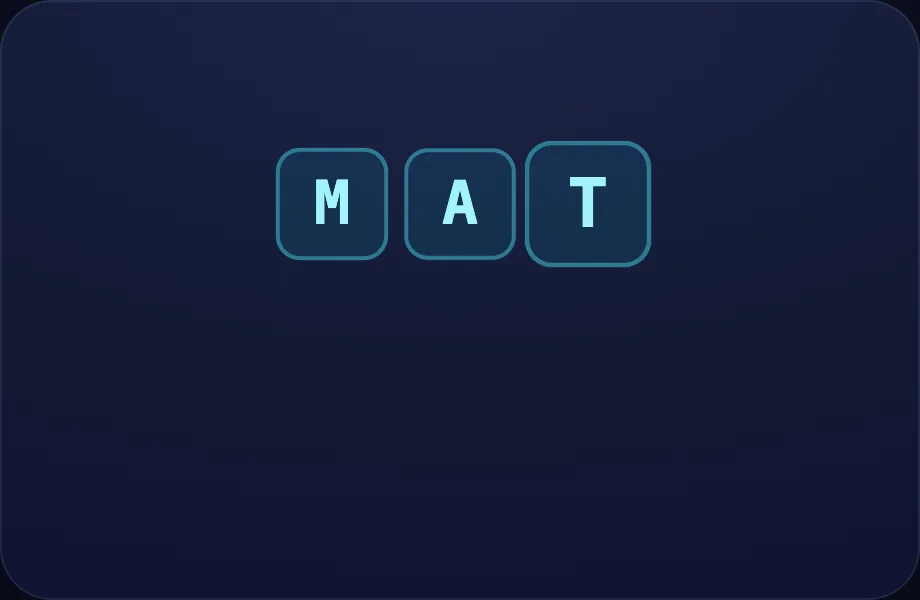
Worked example. Luna walks one case step by step with the blend view — sounds blending into a word: letter chips appear one by one, then resolve into the whole word ("c-a-t → cat"), turning the idea into a procedure a child can repeat.
What Luna says
- Swap it again — now it says mat. Same family, new word!
In the open config
id: more
label: Again
beats:
  - say: lwf-3
    caption: Swap it again — now it says mat. Same family, new word!
    view:
      kind: blend
      key: mat
      letters:
        - m
        - a
        - t
      word: mat
Preview
Your turn
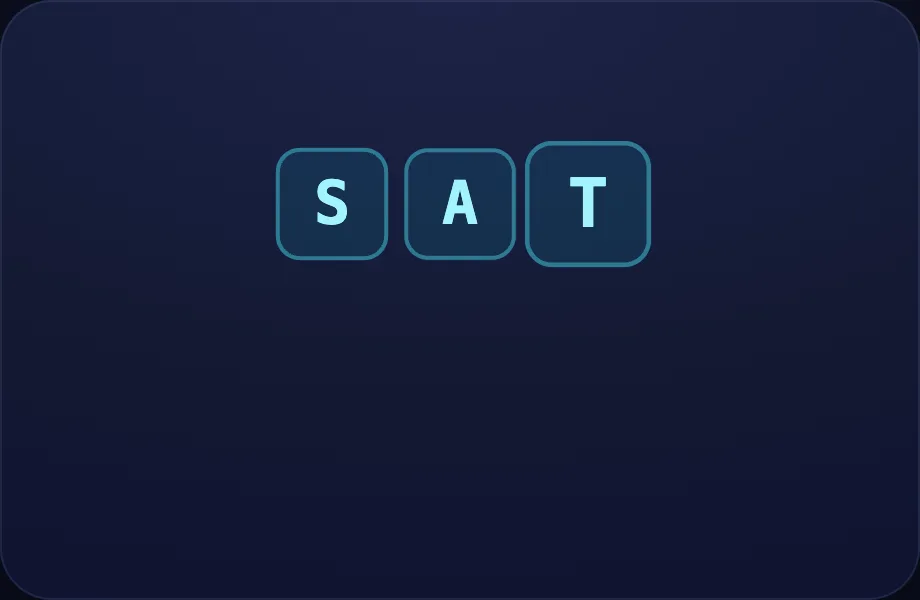
Your turn. The lesson hands off to the practice board: the child now answers, applying what the blend visual — sounds blending into a word: letter chips appear one by one, then resolve into the whole word ("c-a-t → cat") just showed.
What Luna says
- Listen to the word, then tap the letter it starts with. You try!
In the open config
id: go
label: Your turn
beats:
  - say: lwf-4
    caption: Listen to the word, then tap the letter it starts with. You try!
    view:
      kind: blend
      key: sat
      letters:
        - s
        - a
        - t
      word: sat
Preview
Tricky Teams
Covers: sh, ch, th, ck
How this station is declared (YAML)
id: ph-digraphs
title: Tricky Teams
icon: 🧩
sub: sh, ch, th, ck
board: digraphs
bands:
  - 0
lesson: digraphs
Lesson: Tricky Teams — 4 steps
sh
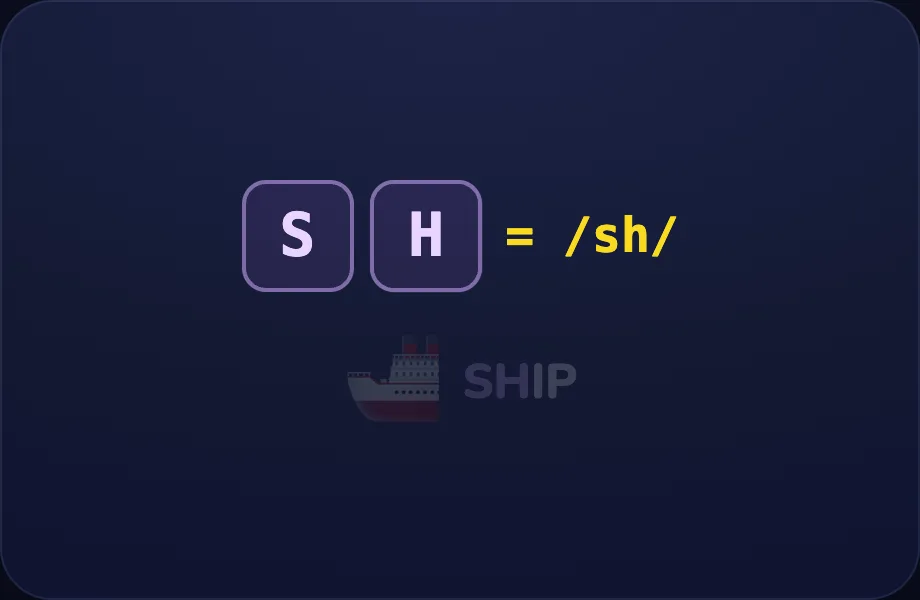
Introduce the idea. Luna opens with the team visual — two letters teaming up to make one sound (a digraph), shown as letters = sound, then an example word + picture, across 2 narrated beats, so the concept is seen before it is ever practised.
What Luna says
- Sometimes two letters team up to make just one new sound.
- S and H together say shh — like at the start of ship.
In the open config
id: sh
label: sh
beats:
  - say: ldg-1
    caption: Sometimes two letters team up to make just one new sound.
    view:
      kind: team
      key: sh
      team: sh
      sound: /sh/
      word: ship
      emoji: 🚢
  - say: ldg-2
    caption: S and H together say shh — like at the start of ship.
    view:
      kind: team
      key: sh
      team: sh
      sound: /sh/
      word: ship
      emoji: 🚢
Preview
ch
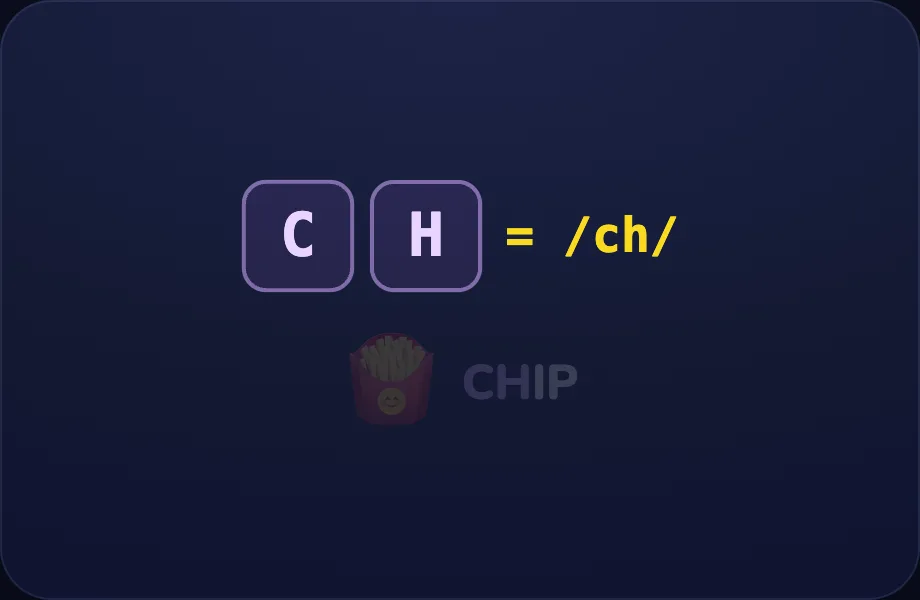
Worked example. Luna walks one case step by step with the team view — two letters teaming up to make one sound (a digraph), shown as letters = sound, then an example word + picture, turning the idea into a procedure a child can repeat.
What Luna says
- C and H together say ch — like at the start of chip.
In the open config
id: ch
label: ch
beats:
  - say: ldg-3
    caption: C and H together say ch — like at the start of chip.
    view:
      kind: team
      key: ch
      team: ch
      sound: /ch/
      word: chip
      emoji: 🍟
Preview
th
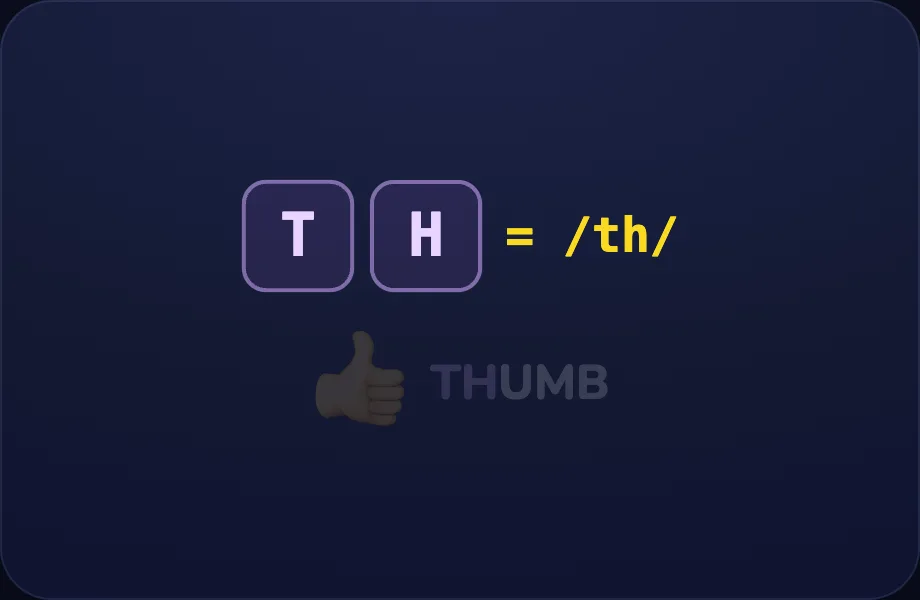
Worked example. Luna walks one case step by step with the team view — two letters teaming up to make one sound (a digraph), shown as letters = sound, then an example word + picture, turning the idea into a procedure a child can repeat.
What Luna says
- T and H together say th — like at the start of thumb.
In the open config
id: th
label: th
beats:
  - say: ldg-4
    caption: T and H together say th — like at the start of thumb.
    view:
      kind: team
      key: th
      team: th
      sound: /th/
      word: thumb
      emoji: 👍
Preview
Your turn
Your turn. The lesson hands off to the practice board: the child now answers, applying what the team visual — two letters teaming up to make one sound (a digraph), shown as letters = sound, then an example word + picture just showed.
What Luna says
- Listen for the team sound, then tap the two letters that make it. You try!
In the open config
id: go
label: Your turn
beats:
  - say: ldg-5
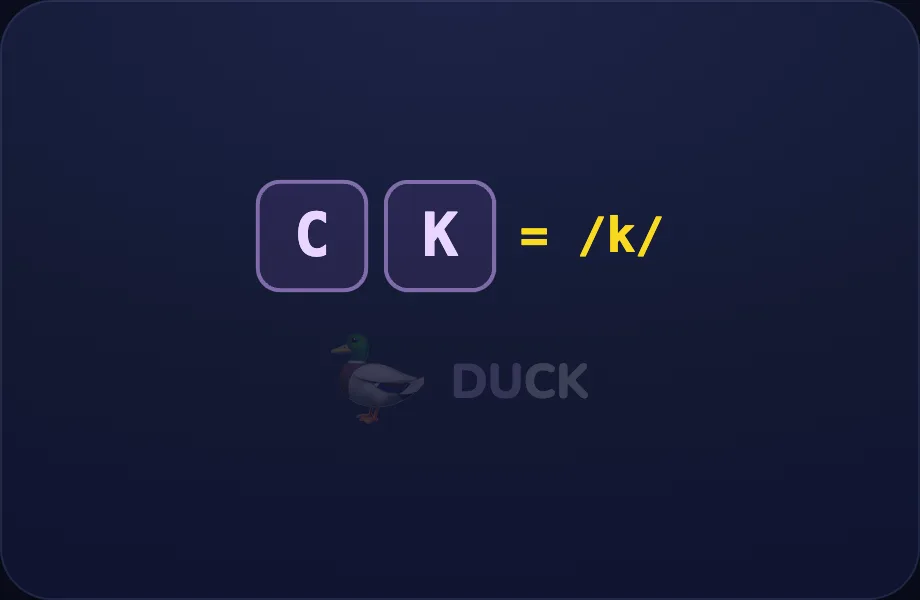
    caption: Listen for the team sound, then tap the two letters that make it. You try!
    view:
      kind: team
      key: ck
      team: ck
      sound: /k/
      word: duck
      emoji: 🦆
Preview