
🌿 English Quest
Grammar Grove
Nouns, verbs and adjectives, building sentences, and punctuation.
Naming Words
Covers: nouns
How this station is declared (YAML)
id: g-nouns
title: Naming Words
icon: 🏷️
sub: nouns
board: grammarNoun
bands:
  - 0
lesson: nouns
Lesson: Naming Words — 2 steps
Nouns
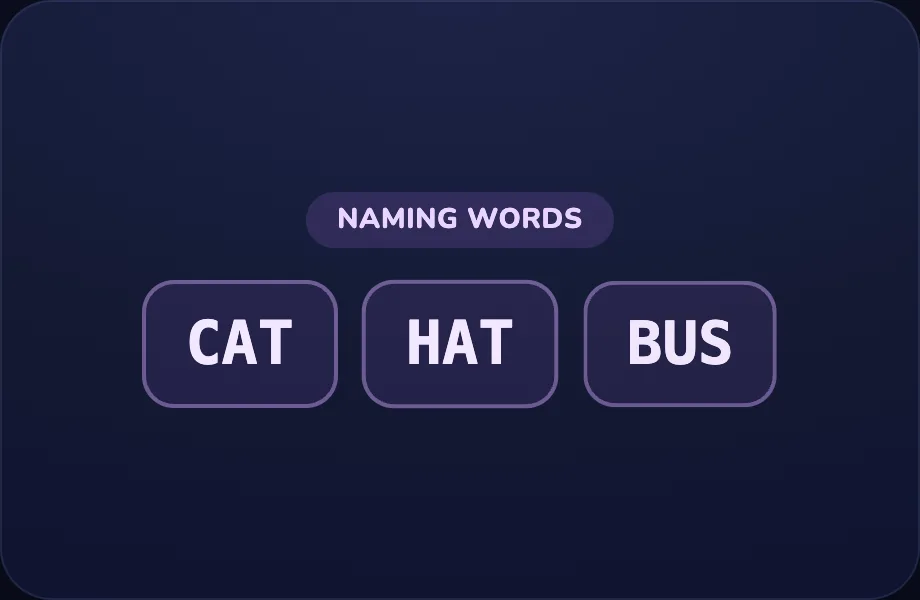
Introduce the idea. Luna opens with the examples visual — a category label plus a few example words — used to teach a part of speech (naming/doing/describing words), across 1 narrated beat, so the concept is seen before it is ever practised.
What Luna says
- A naming word — a noun — names a person, a place, or a thing. Like cat, hat, and bus!
In the open config
id: what
label: Nouns
beats:
  - say: lgn-1
    caption: A naming word — a noun — names a person, a place, or a thing. Like cat, hat, and bus!
    view:
      kind: examples
      key: "n"
      label: naming words
      words:
        - cat
        - hat
        - bus
Preview
Your turn
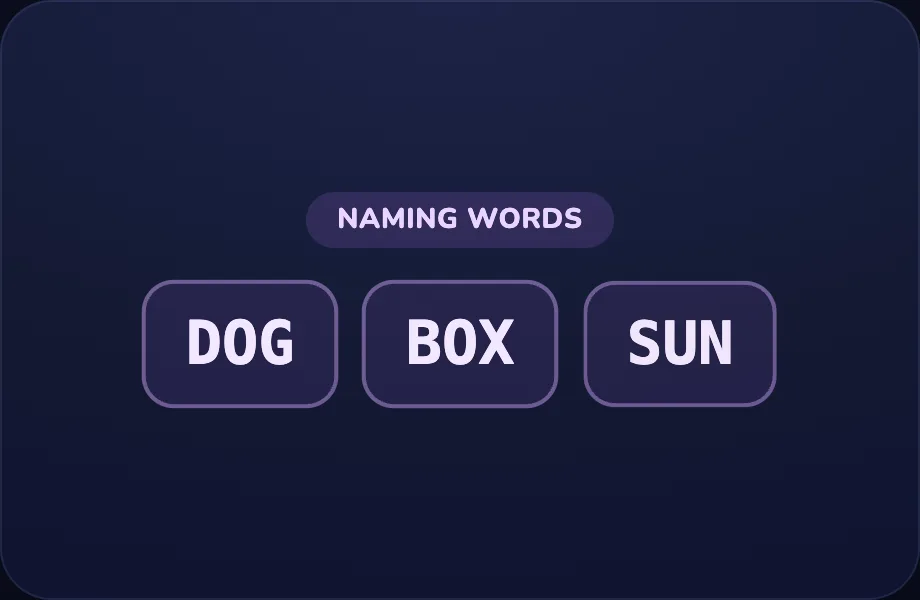
Your turn. The lesson hands off to the practice board: the child now answers, applying what the examples visual — a category label plus a few example words — used to teach a part of speech (naming/doing/describing words) just showed.
What Luna says
- I'll show some words. Tap the one that names a thing. You try!
In the open config
id: go
label: Your turn
beats:
  - say: lgn-2
    caption: I'll show some words. Tap the one that names a thing. You try!
    view:
      kind: examples
      key: n2
      label: naming words
      words:
        - dog
        - box
        - sun
Preview
Doing Words
Covers: verbs
How this station is declared (YAML)
id: g-verbs
title: Doing Words
icon: 🏃
sub: verbs
board: grammarVerb
bands:
  - 0
lesson: verbs
Lesson: Doing Words — 2 steps
Verbs
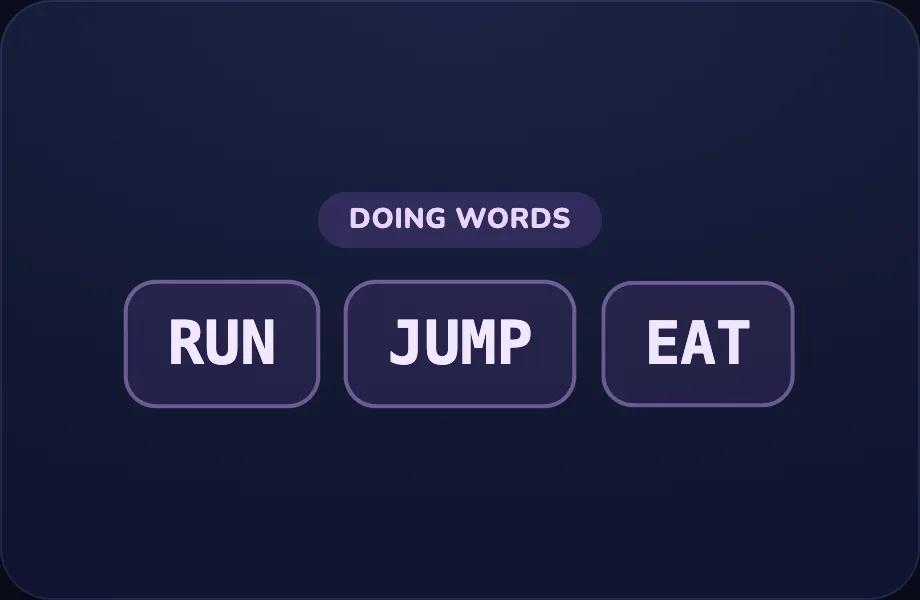
Introduce the idea. Luna opens with the examples visual — a category label plus a few example words — used to teach a part of speech (naming/doing/describing words), across 1 narrated beat, so the concept is seen before it is ever practised.
What Luna says
- A doing word — a verb — is an action you can do. Like run, jump, and eat!
In the open config
id: what
label: Verbs
beats:
  - say: lgv-1
    caption: A doing word — a verb — is an action you can do. Like run, jump, and eat!
    view:
      kind: examples
      key: v
      label: doing words
      words:
        - run
        - jump
        - eat
Preview
Your turn
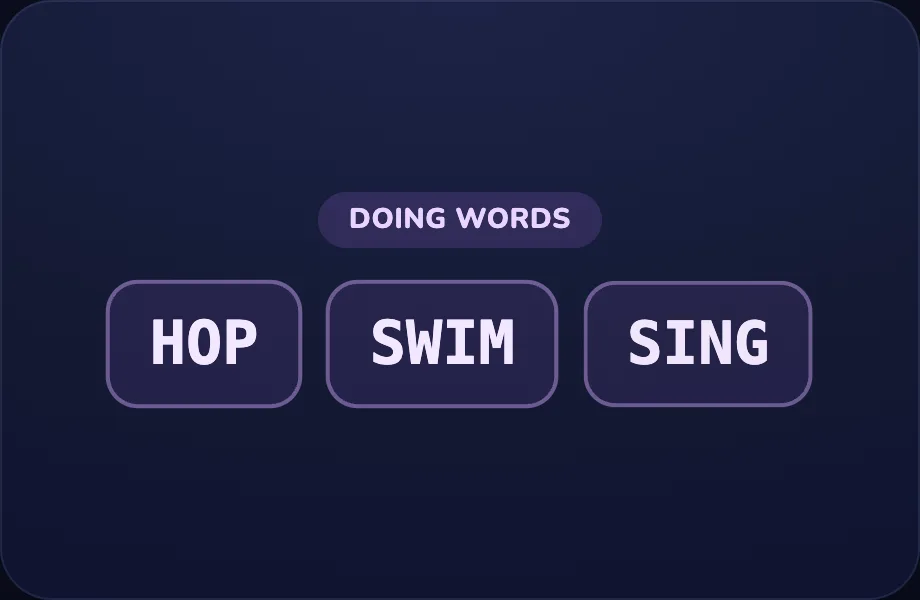
Your turn. The lesson hands off to the practice board: the child now answers, applying what the examples visual — a category label plus a few example words — used to teach a part of speech (naming/doing/describing words) just showed.
What Luna says
- Tap the word that shows an action. You try!
In the open config
id: go
label: Your turn
beats:
  - say: lgv-2
    caption: Tap the word that shows an action. You try!
    view:
      kind: examples
      key: v2
      label: doing words
      words:
        - hop
        - swim
        - sing
Preview
Describing Words
Covers: adjectives
How this station is declared (YAML)
id: g-adj
title: Describing Words
icon: 🎨
sub: adjectives
board: grammarAdj
bands:
  - 0
lesson: adjectives
Lesson: Describing Words — 2 steps
Adjectives
Introduce the idea. Luna opens with the examples visual — a category label plus a few example words — used to teach a part of speech (naming/doing/describing words), across 1 narrated beat, so the concept is seen before it is ever practised.
What Luna says
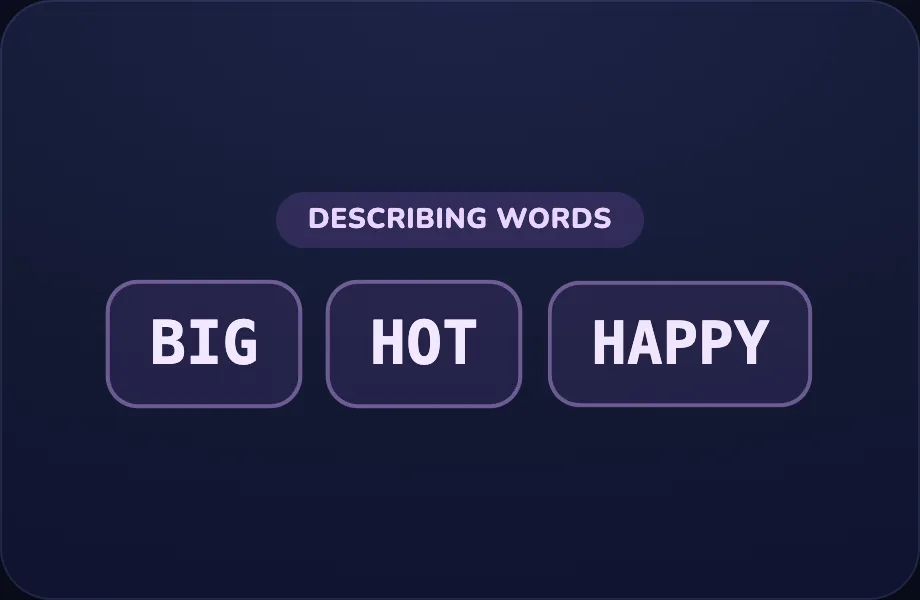
- A describing word — an adjective — tells us more about something. Like big, hot, and happy!
In the open config
id: what
label: Adjectives
beats:
  - say: lga-1
    caption: A describing word — an adjective — tells us more about something. Like big, hot, and happy!
    view:
      kind: examples
      key: a
      label: describing words
      words:
        - big
        - hot
        - happy
Preview
Your turn
Your turn. The lesson hands off to the practice board: the child now answers, applying what the examples visual — a category label plus a few example words — used to teach a part of speech (naming/doing/describing words) just showed.
What Luna says
- Tap the word that describes something. You try!
In the open config
id: go
label: Your turn
beats:
  - say: lga-2
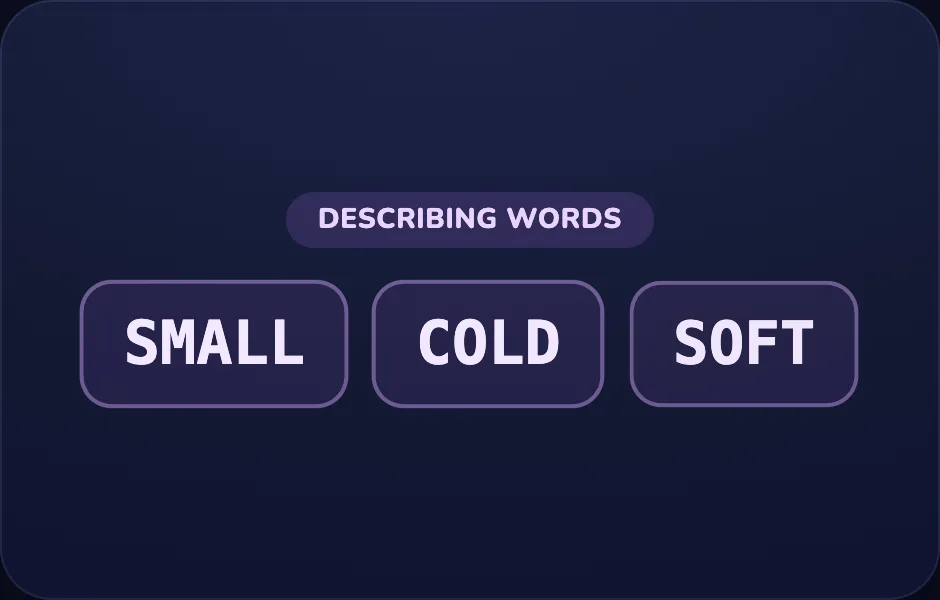
    caption: Tap the word that describes something. You try!
    view:
      kind: examples
      key: a2
      label: describing words
      words:
        - small
        - cold
        - soft
Preview
Build a Sentence
Covers: word order
How this station is declared (YAML)
id: g-build
title: Build a Sentence
icon: 🧱
sub: word order
board: sentence
bands:
  - 0
lesson: build-sentence
Lesson: Build a Sentence — 2 steps
Word order
Introduce the idea. Luna opens with the sentence visual — a full sentence with the capital first letter and the end punctuation highlighted — for building/punctuation beats, across 1 narrated beat, so the concept is seen before it is ever practised.
What Luna says
- A sentence puts words in an order that makes sense. The cat is big — that sounds right!
In the open config
id: order
label: Word order
beats:
  - say: lgb-1
    caption: A sentence puts words in an order that makes sense. The cat is big — that sounds right!
    view:
      kind: sentence
      key: s1
      text: The cat is big.
Preview

Your turn
Your turn. The lesson hands off to the practice board: the child now answers, applying what the sentence visual — a full sentence with the capital first letter and the end punctuation highlighted — for building/punctuation beats just showed.
What Luna says
- Tap the words one by one, in the right order, to build the sentence. You try!
In the open config
id: go
label: Your turn
beats:
  - say: lgb-2
    caption: Tap the words one by one, in the right order, to build the sentence. You try!
    view:
      kind: sentence
      key: s2
      text: I see a dog.
Preview

Capitals & Periods
Covers: punctuation
How this station is declared (YAML)
id: g-caps
title: Capitals & Periods
icon: 🔠
sub: punctuation
board: punctuation
bands:
  - 0
lesson: punctuation
Lesson: Capitals & Periods — 2 steps
The rule
Introduce the idea. Luna opens with the sentence visual — a full sentence with the capital first letter and the end punctuation highlighted — for building/punctuation beats, across 1 narrated beat, so the concept is seen before it is ever practised.
What Luna says
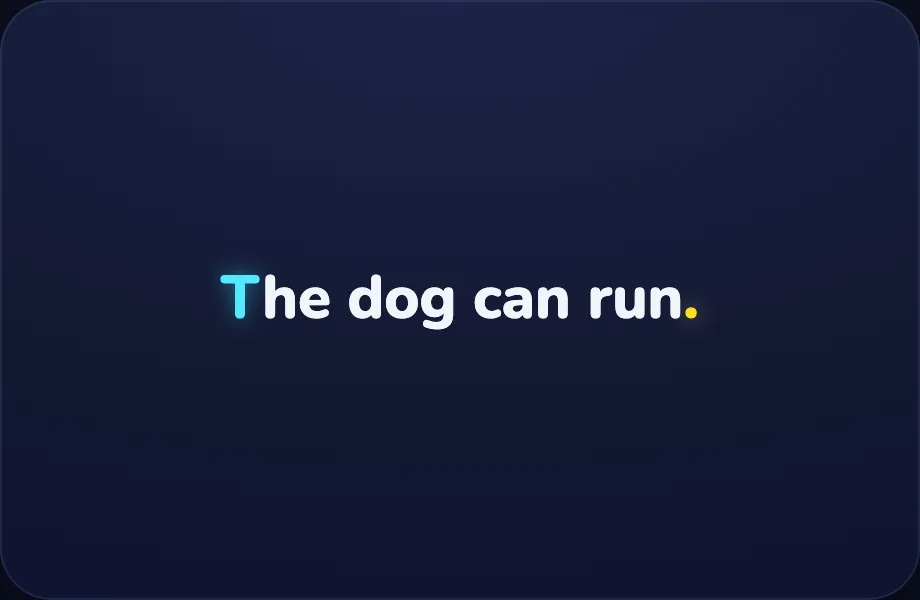
- Every sentence starts with a capital letter and ends with a period. The dog can run.
In the open config
id: rule
label: The rule
beats:
  - say: lgc-1
    caption: Every sentence starts with a capital letter and ends with a period. The dog can run.
    view:
      kind: sentence
      key: c1
      text: The dog can run.
Preview
Your turn
Your turn. The lesson hands off to the practice board: the child now answers, applying what the sentence visual — a full sentence with the capital first letter and the end punctuation highlighted — for building/punctuation beats just showed.
What Luna says
- Tap the sentence that is written the right way — capital at the start, period at the end. You try!
In the open config
id: go
label: Your turn
beats:
  - say: lgc-2
    caption: Tap the sentence that is written the right way — capital at the start, period at the end. You try!
    view:
      kind: sentence
      key: c2
      text: The sun is hot.
Preview